Changelog
About Apricot
Apricot is small and independent, with no investors and no ads. If you enjoy it, we'd be very grateful if you shared it with your friends or colleagues.
We'd love to hear from you, good or bad. We read every message.
Tell us what you think → support@apricot.so
30 October 2026Latest
A second email for client work
24 October 2026
Follow-ups and templates
- Follow it up if it isn't done
- A friendly check-in, not a telling-off
- Already overdue?
- Follow-ups from your assistant
- Start a list from a template
- Ready to go
- Sixteen to start from
- Save your own
- The Templates page
- Templates from your assistant
Some tasks slip quietly past their date, and nobody notices until it matters. Now Apricot can check for you: if a task isn't done in time, it follows it up.
And some lists you make again and again: a match day, a new client, a house move. Now you can start one already filled in, with every task on it and each date where it belongs - from one of ours, or any list you've saved as a template of your own.
- 01
- 02
- 03
- 04
- 05
Start a list from a template
Choose New, then From a template, or pick one under Start from when you make a list. Choose the day it starts on and every date moves to fit: a task two days after the first lands two days after the day you pick. Times stay as they were, and repeating tasks repeat from their new dates.
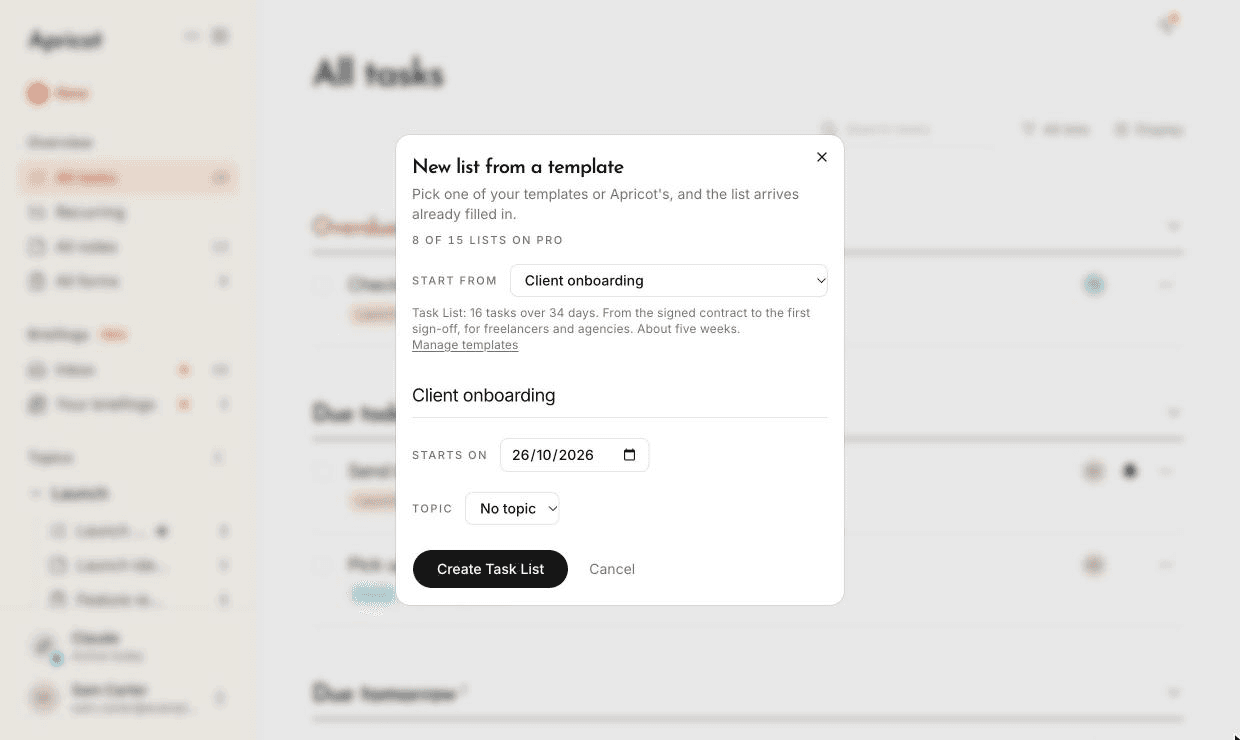
- 1Pick a template
- 2Every date fits this day
- 06
- 07
Sixteen to start from
We've written templates with real tasks for the things people plan most: Moving house, Wedding planning, Holiday packing, Home maintenance, Client onboarding, New starter onboarding, Product launch, Month-end for a small business, Hiring for a role, Match day and Event plan, plus RSVP, feedback, volunteer and request Forms.
- 08
Save your own
Choose Save as template from any list's menu. It keeps the tasks and notes on it, their details, times and repeats, and a Form's questions - but not who's on the list, who things are for, comments or files. Your templates are yours alone, even when you save one from a shared list. Free includes 2, and Pro and Max have no limit.
- 09
- 10
18 October 2026
Briefings
- Briefings
- Set up in two steps
- When it runs
- In your inbox
- Share them with your People
- Your assistant, in the panel
- What's new on shared lists
- A tidier panel
- Your assistant
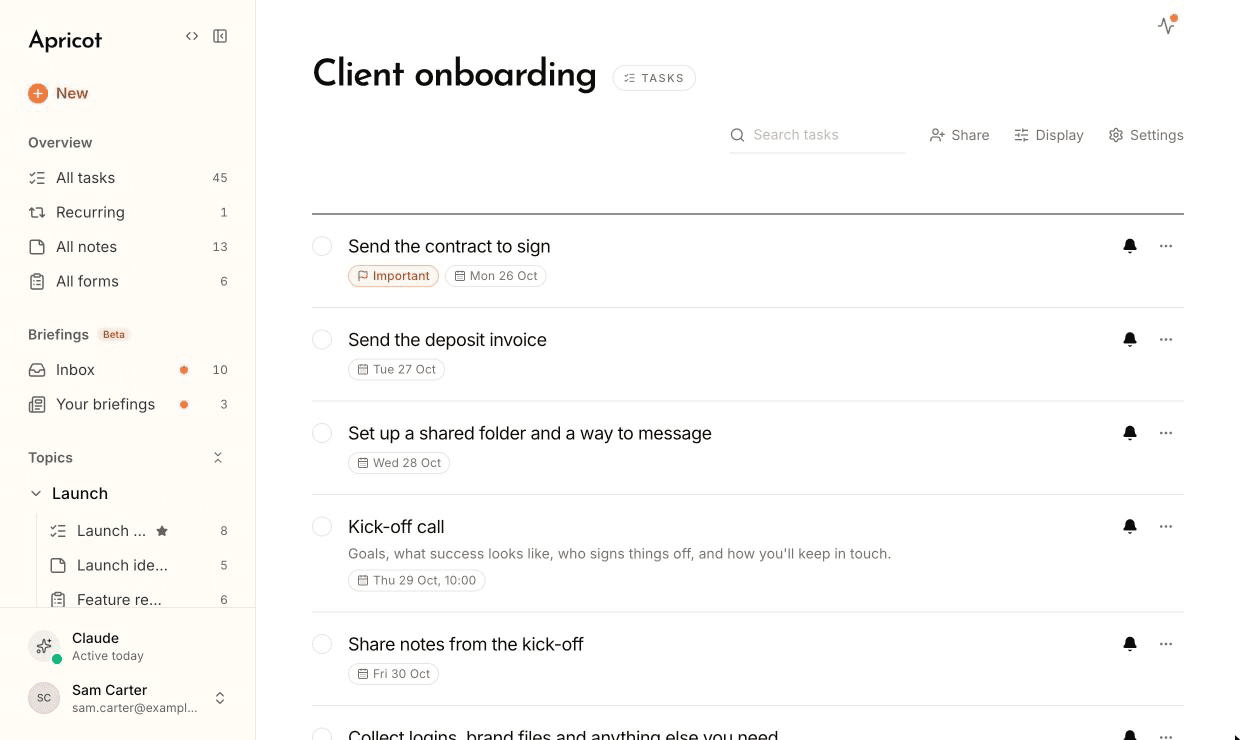
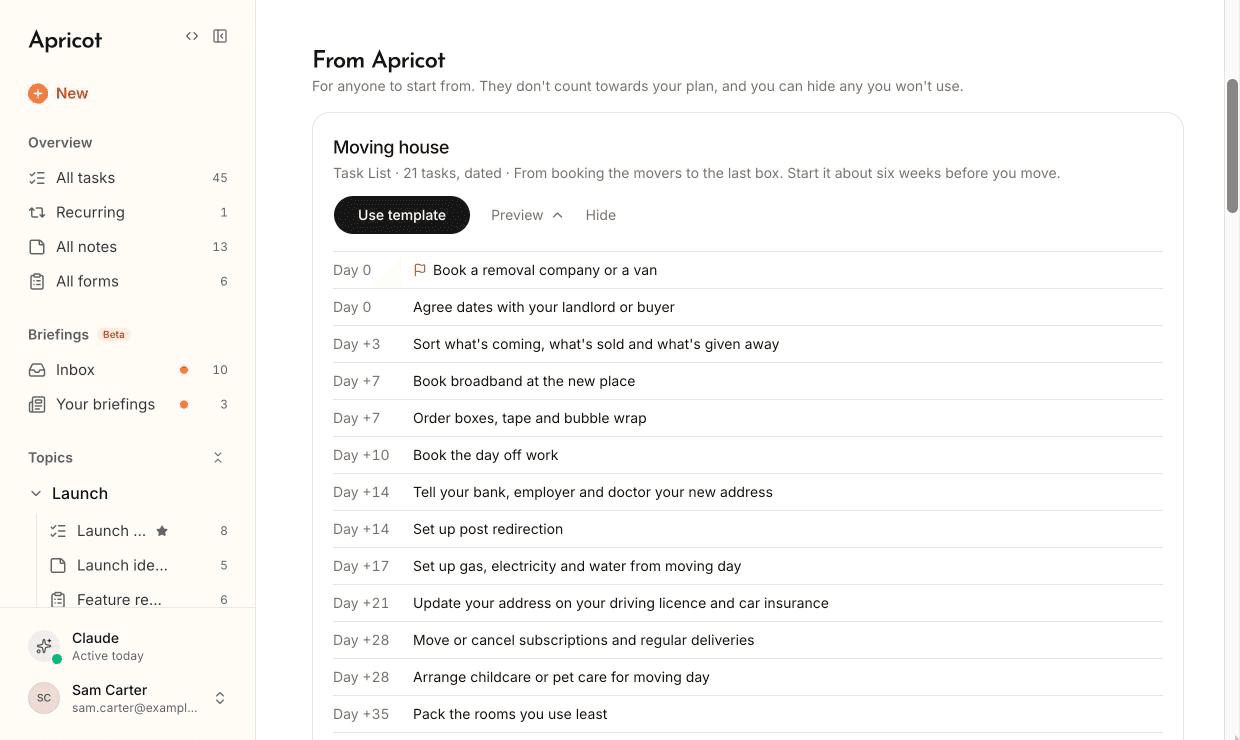
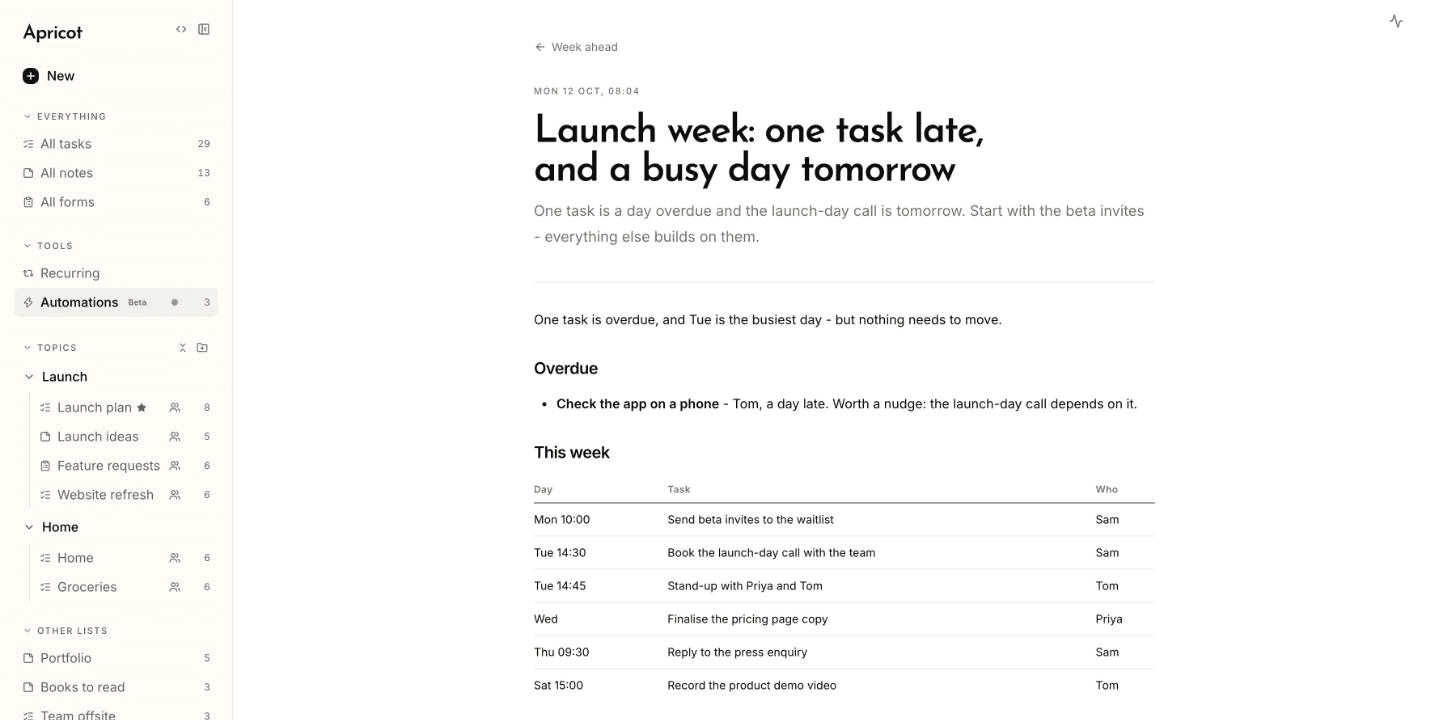
Your assistant can now write for you on a schedule. A briefing is a prompt you keep in Apricot - a research digest every Monday, a portfolio briefing each morning, a plan for your week - which Claude or ChatGPT runs when you choose, with the result in your inbox.
It works from your lists, as they are each time it runs, so as they change, so does the briefing. And it runs on the assistant you already pay for. Briefings are in beta, so tell us what you think.
- 01
- 02
- 03
- 04
- 06
- 08
- 09
17 October 2026
Access, tasks in progress, and lists in order
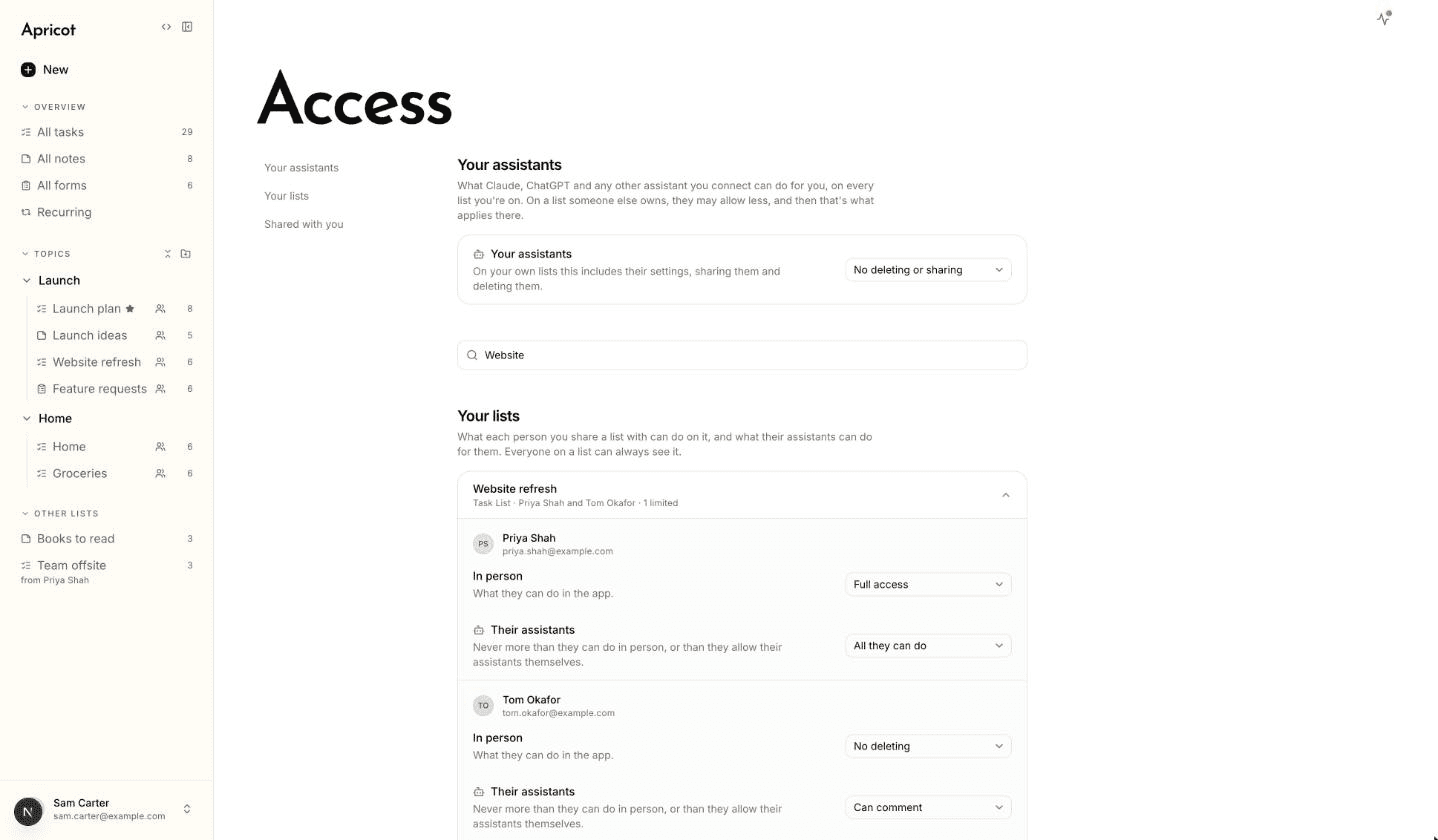
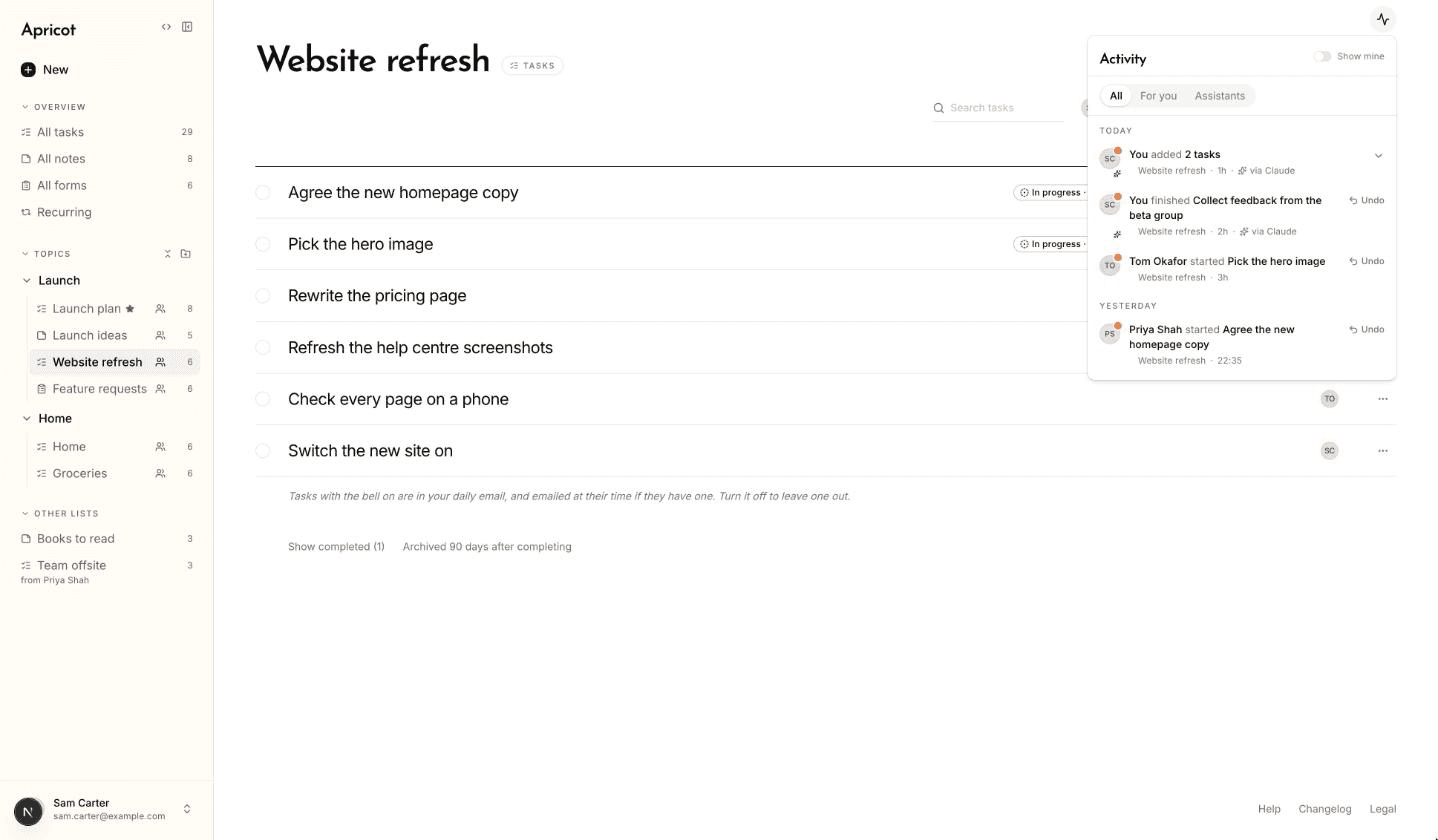
- Access
- Limits for assistants
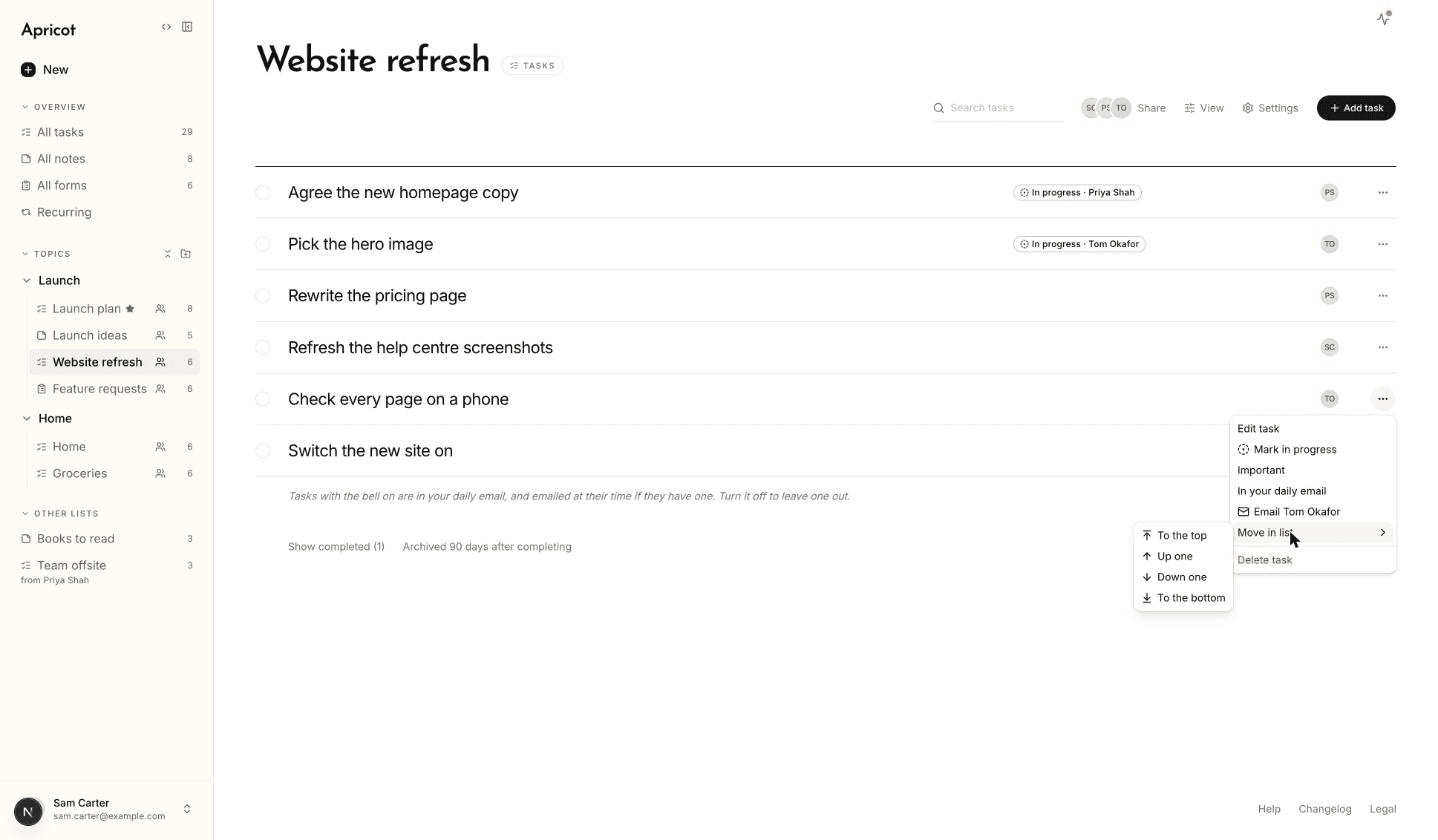
- In progress
- Lists in order
- Undo from Activity
- Deleted tasks
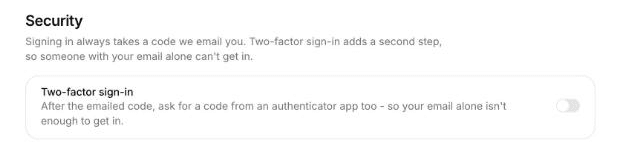
- Two-factor sign-in
- Staying signed in
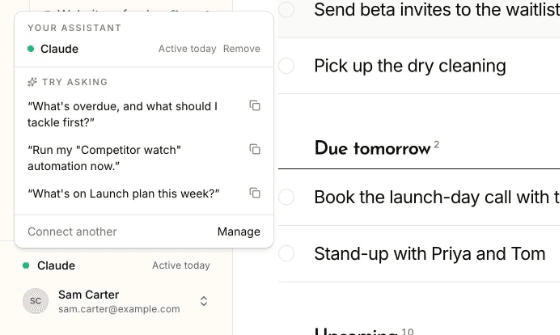
- Your assistant
- 01
- 02
- 03
- 04
- 05
- 06
- 07
- 08
- 09
16 October 2026
Apricot in Claude's directory, and passwords on links
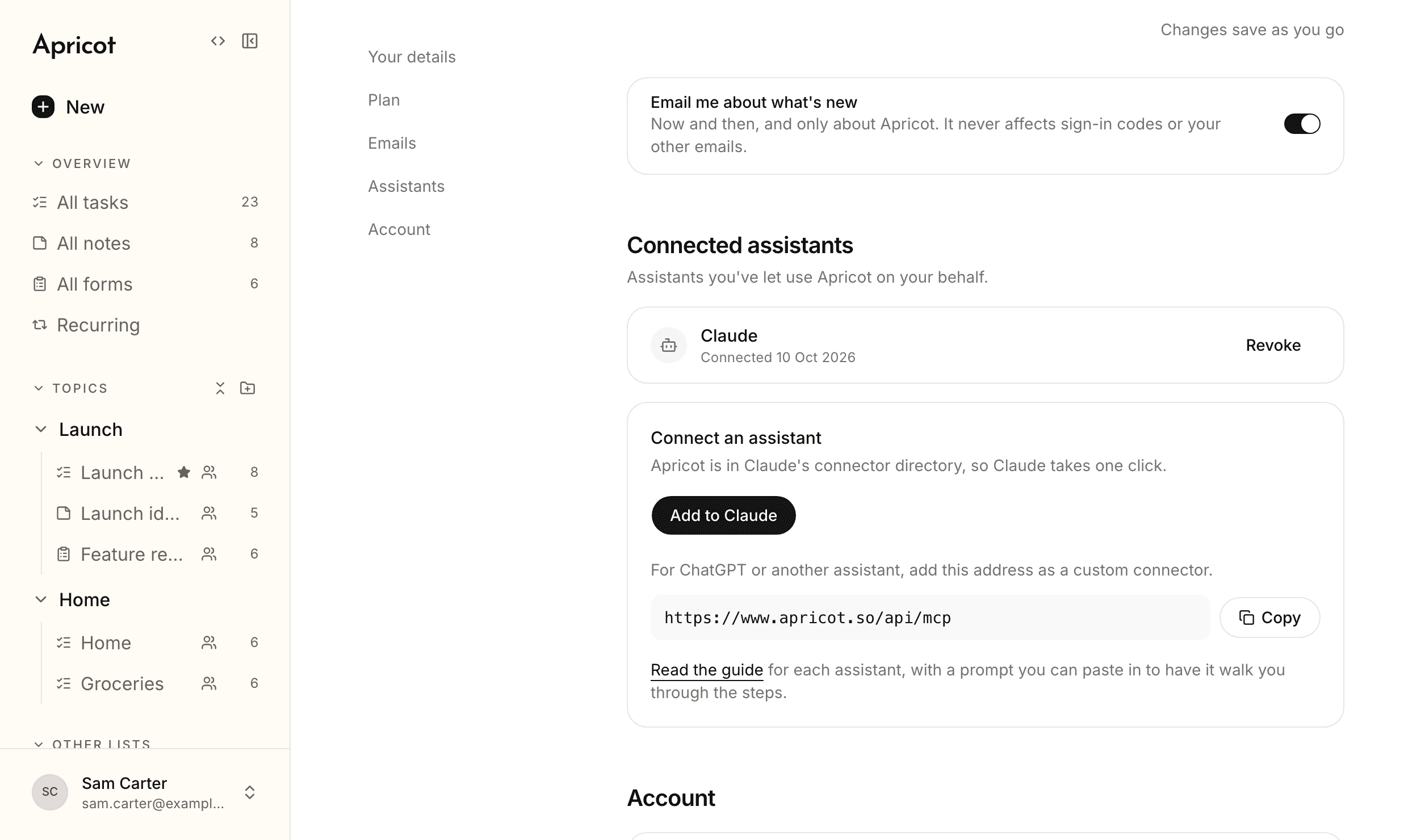
- In Claude's connector directory
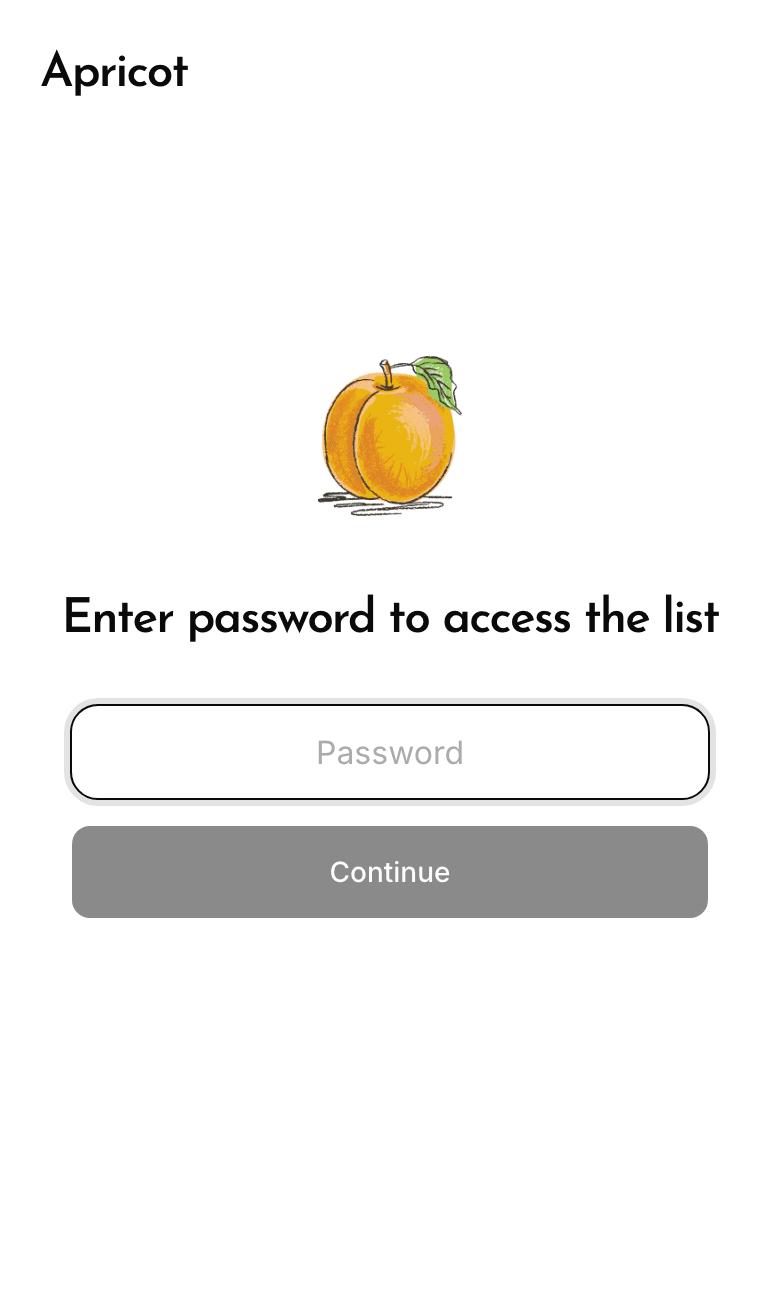
- Passwords on read-only links
- Finished tasks folded away
- Tidier on a phone
- Bigger files
- Emails about your plan
- Your assistant
- 01
- 02
- 03
- 04
- 05
- 06
- 07
10 October 2026
Activity, reactions, and a new look
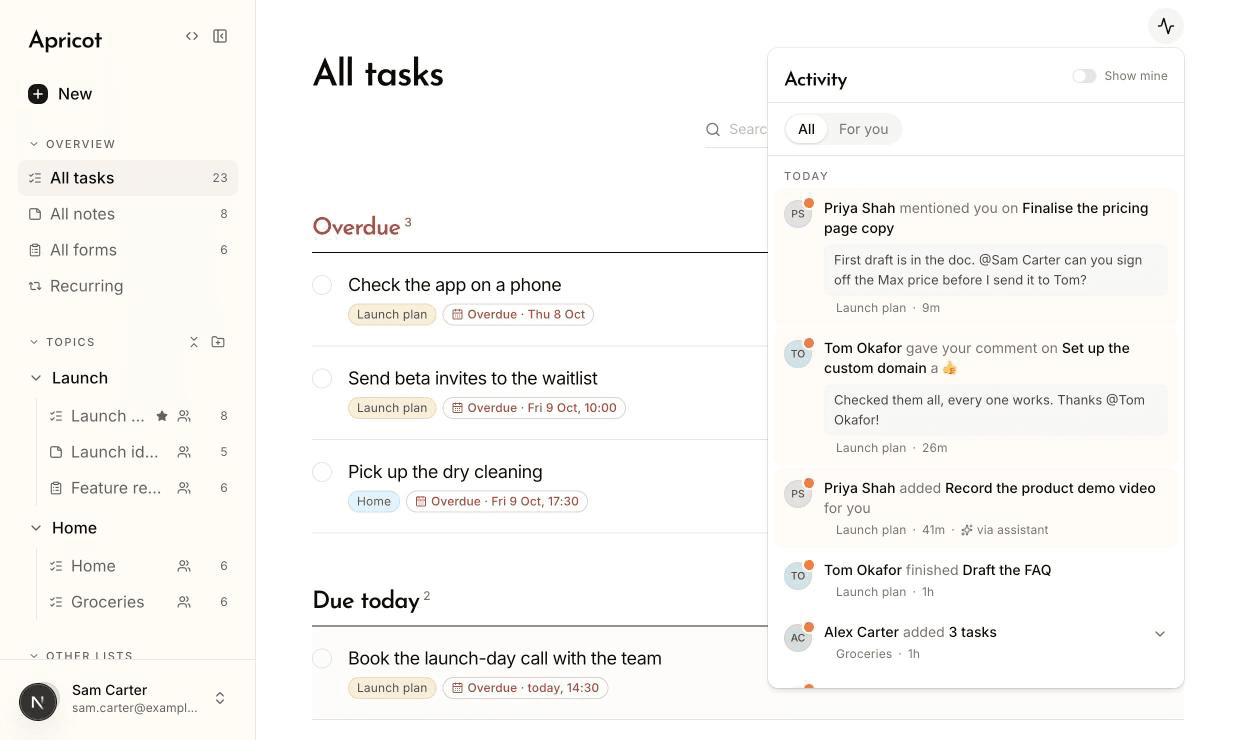
- Activity
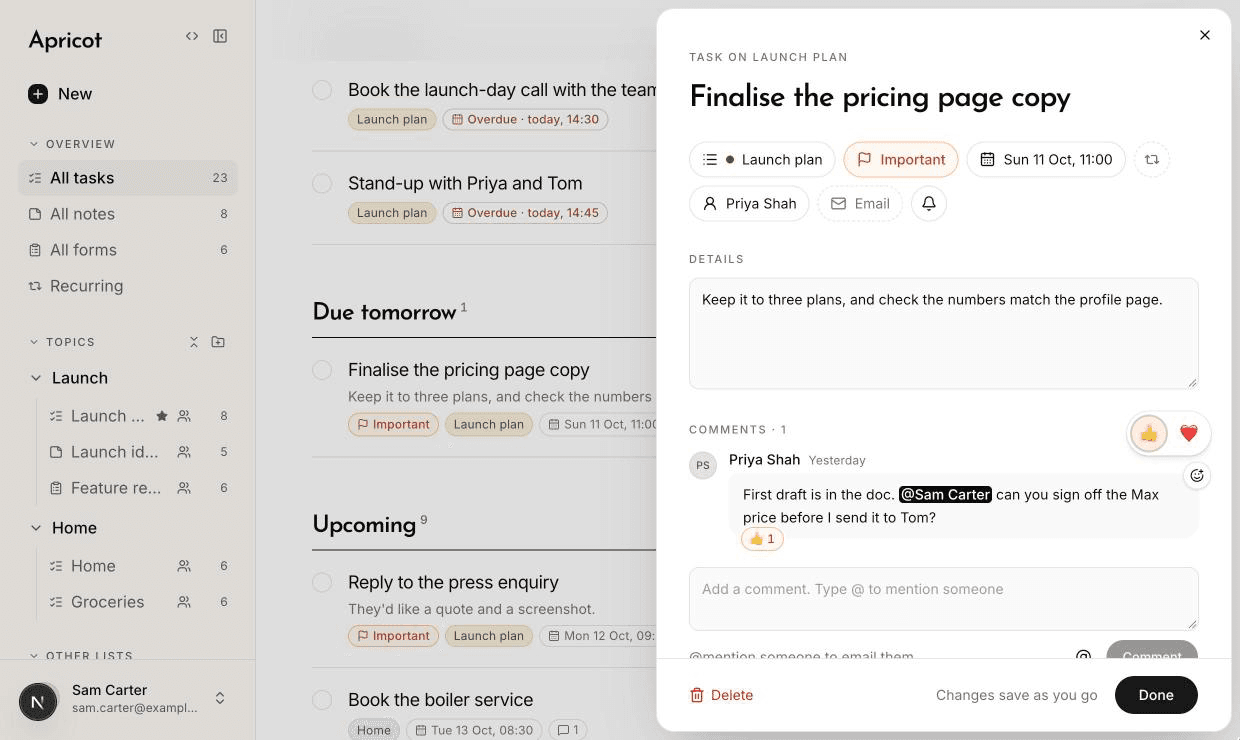
- Reactions
- Mentions decide who's emailed
- Email someone about a task
- A tidier task
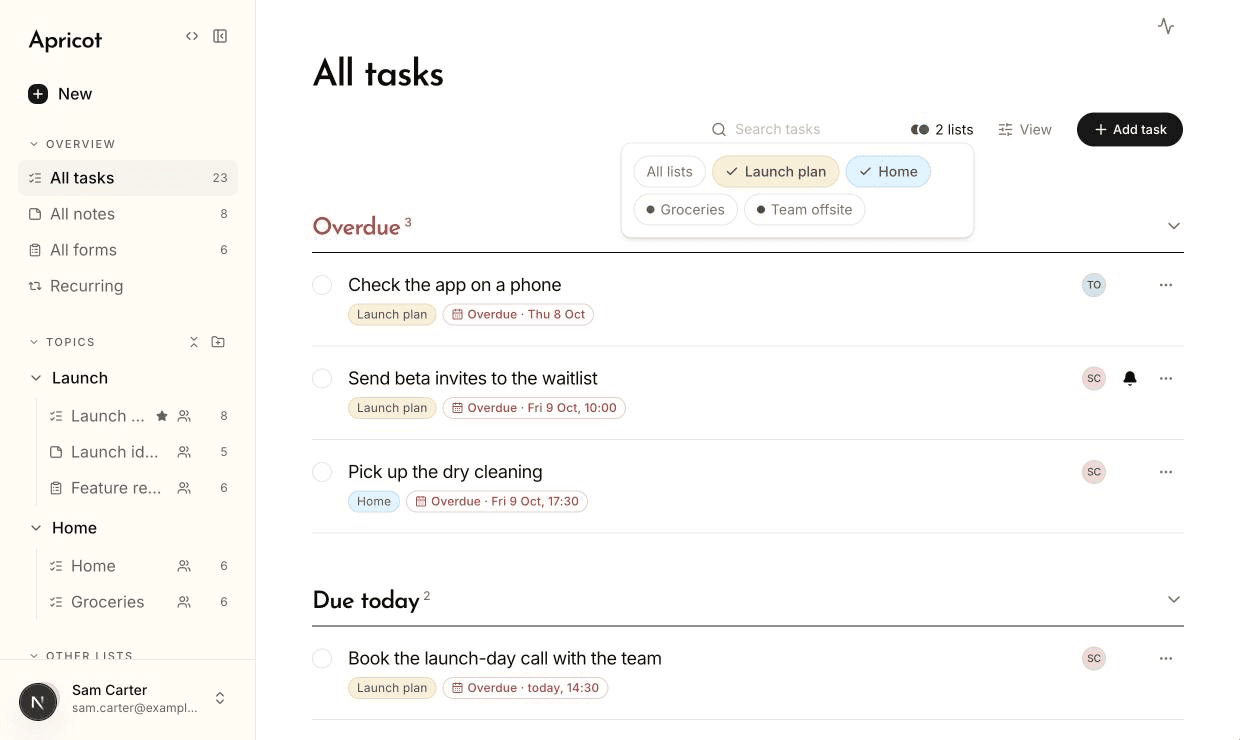
- Filter by list
- A new look
- A new help centre
- Smaller things
- Your assistant
- 01
- 02
- 03
- 04
- 05
- 06
- 07
- 08
- 09
- 10
9 October 2026
Dark mode, Important, and saving as you go
- Important
- Dark mode
- Saves as you go
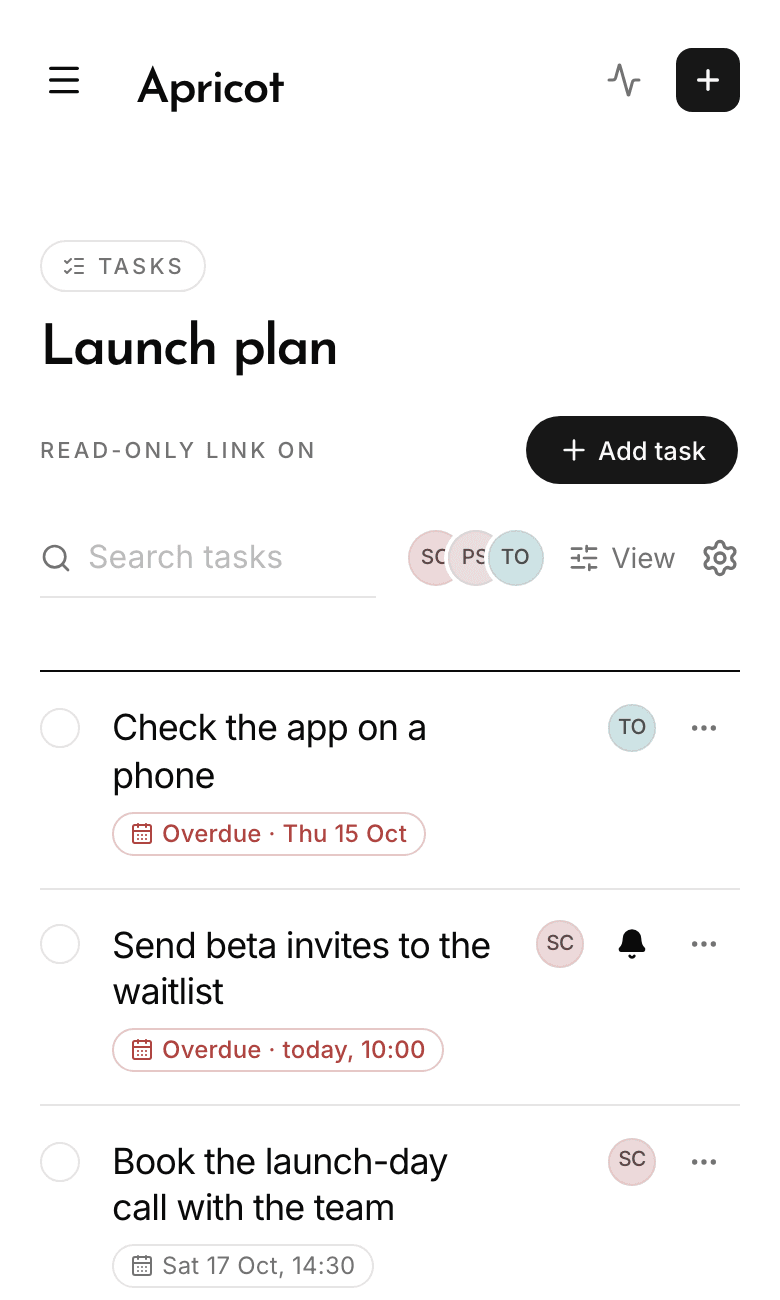
- On a phone
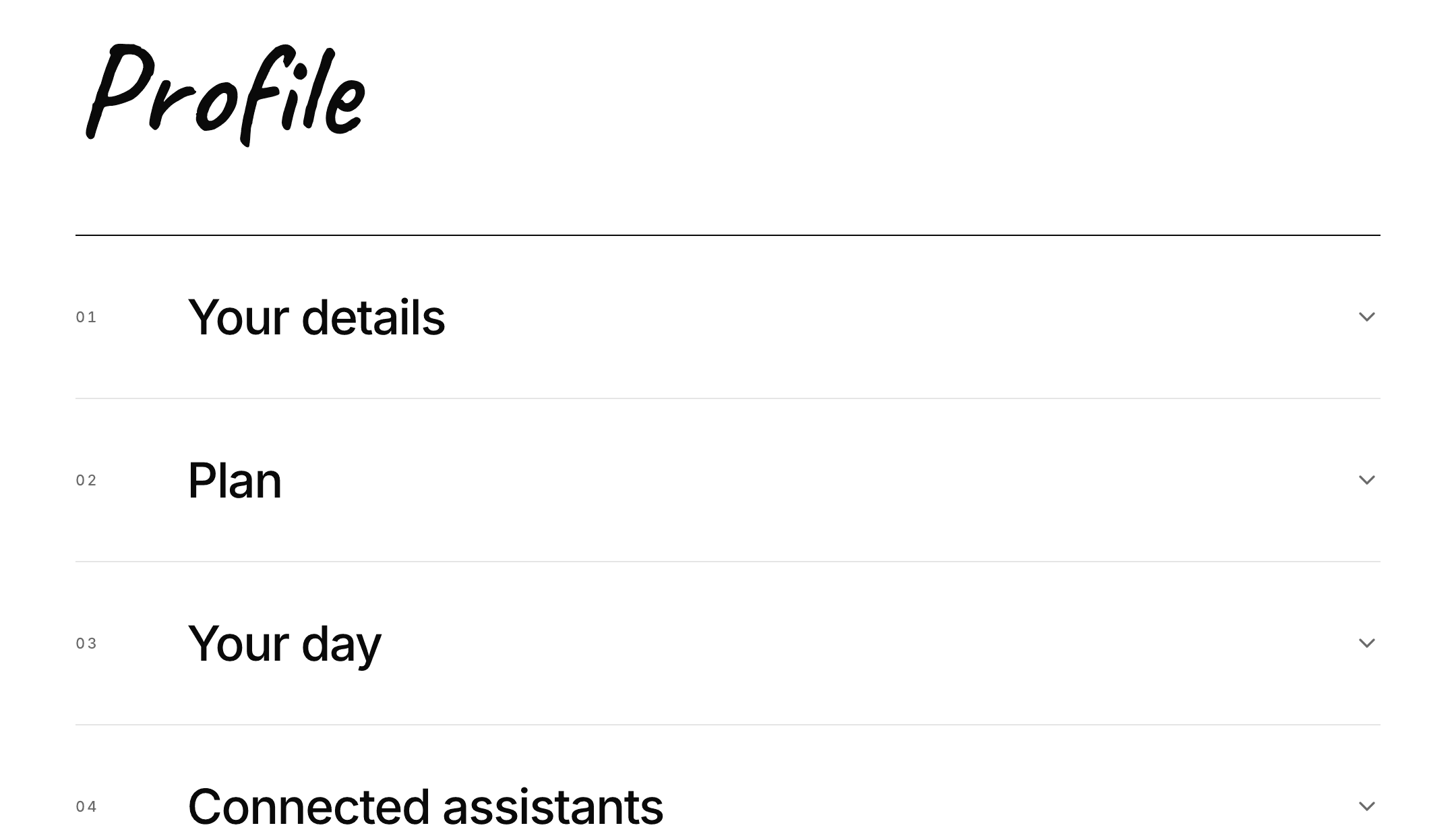
- A new profile
- An email at a task's time
- Unlimited on Max
- Up to 25 questions
- Smaller things
- Your assistant
- 01
- 02
- 03
- 04
- 05
- 06
- 07
- 08
- 09
- 10
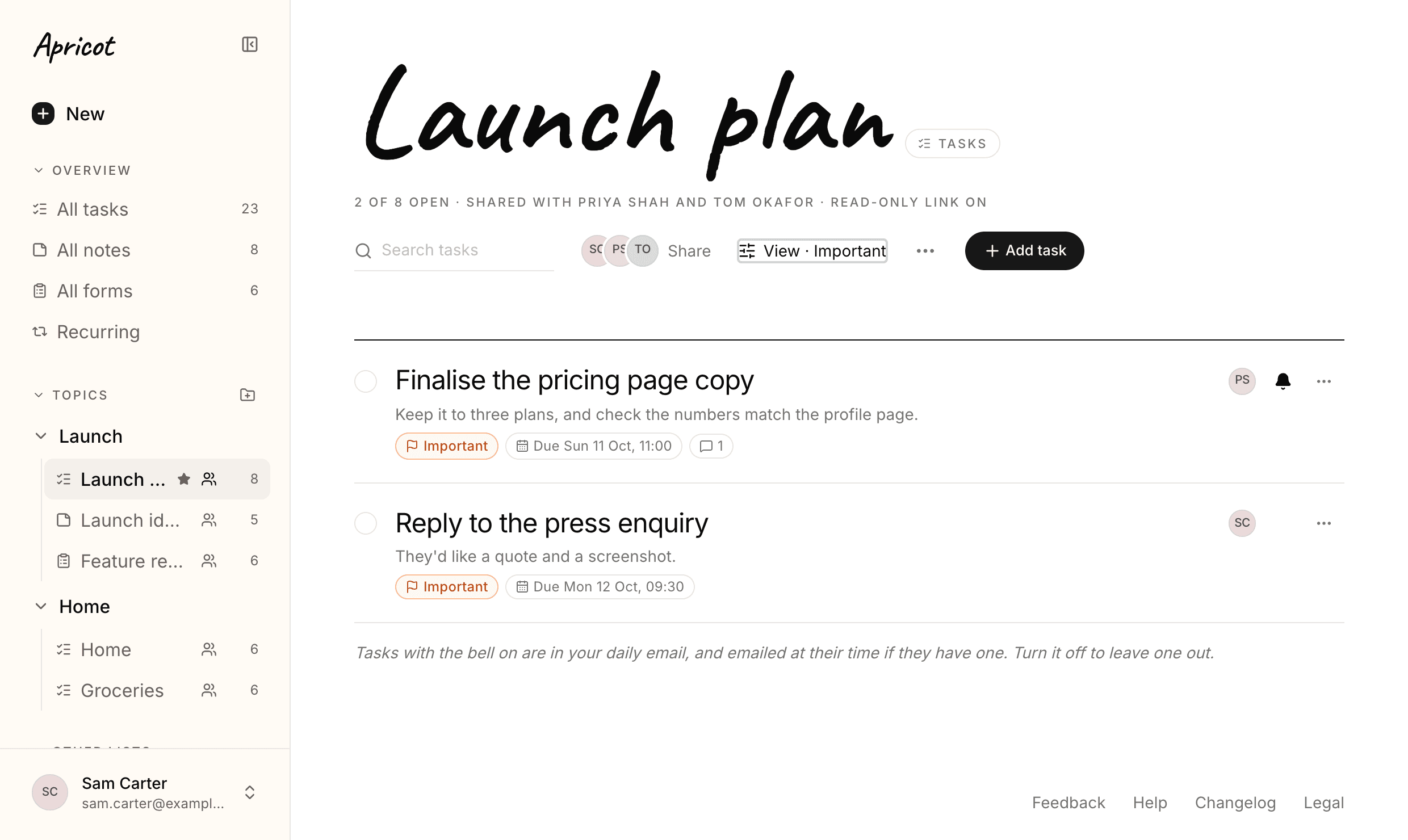
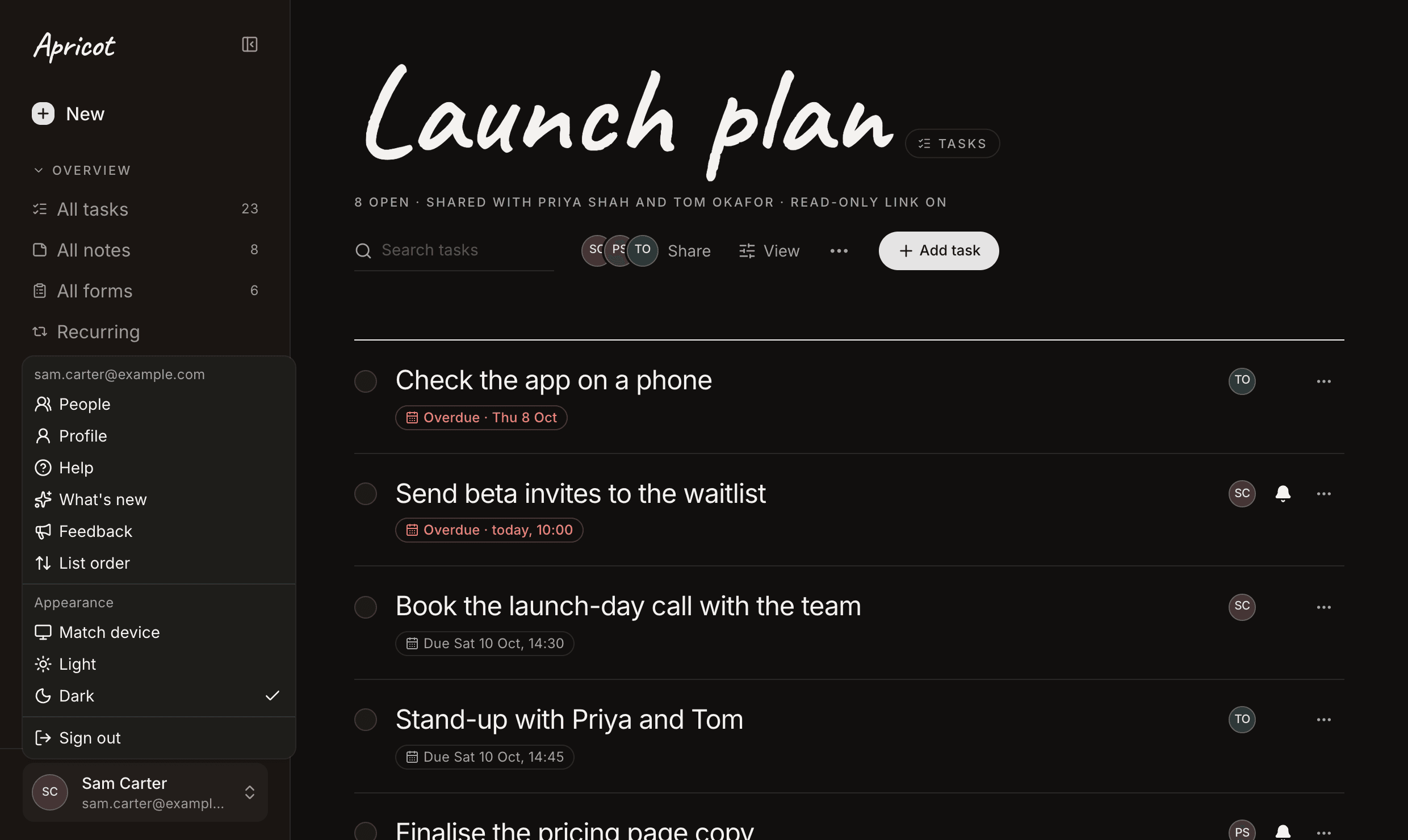
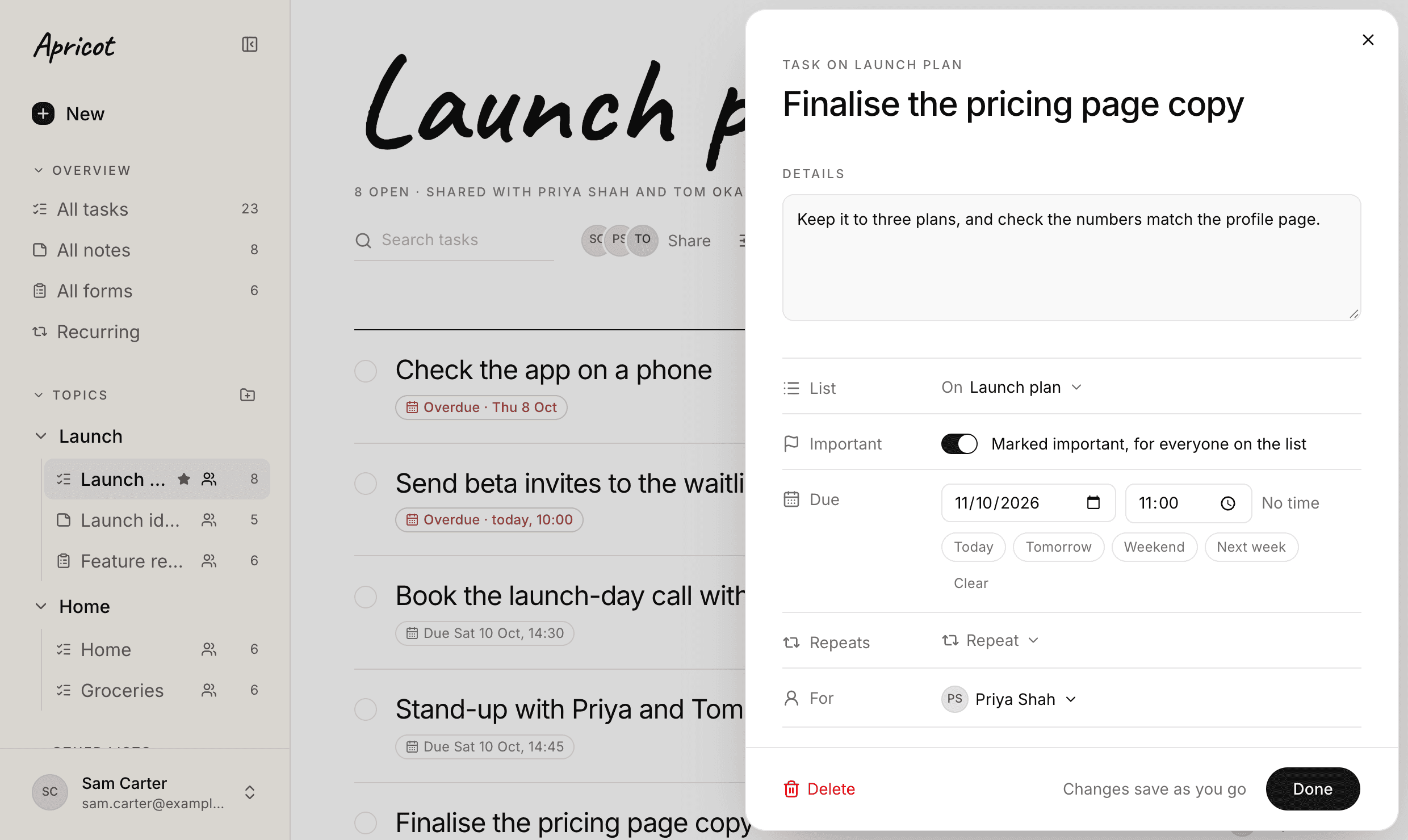
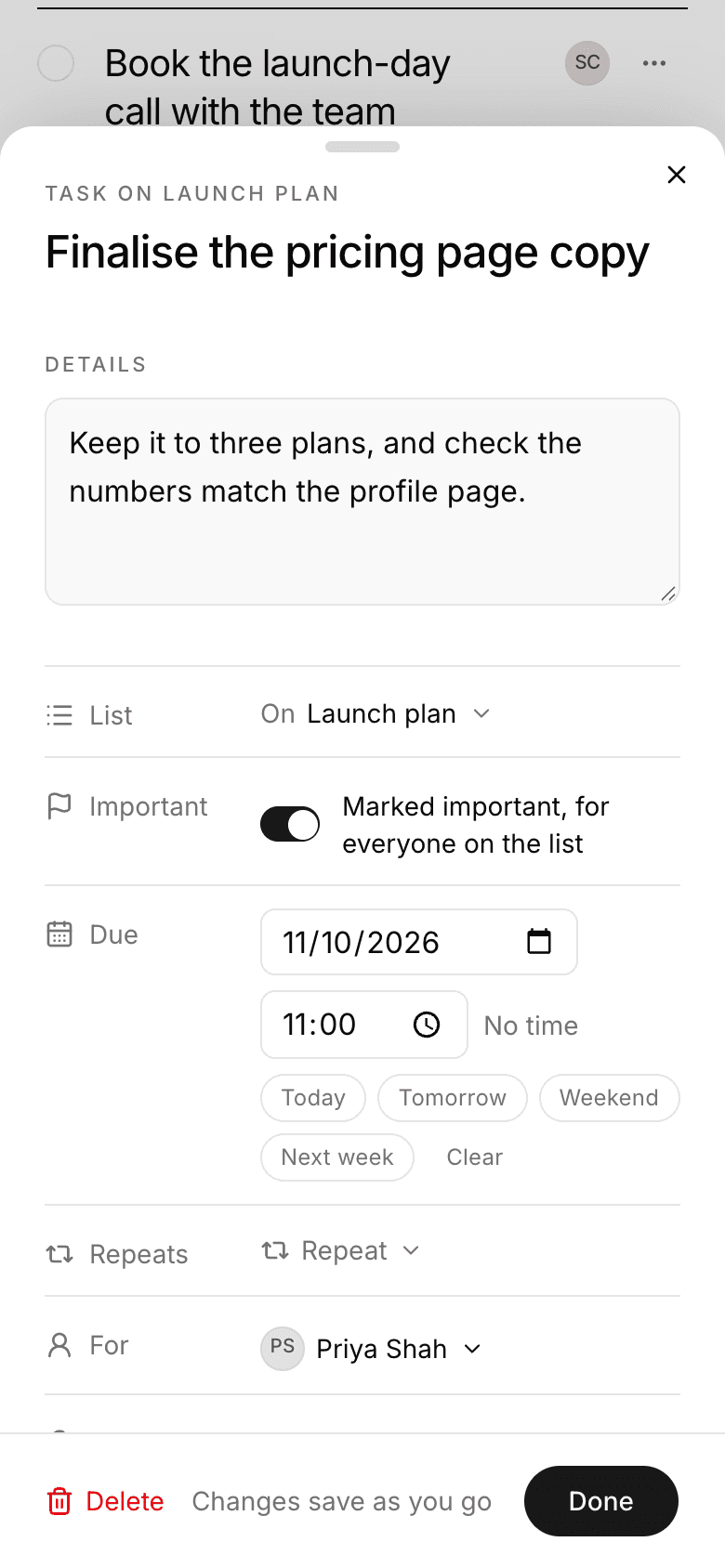
8 October 2026
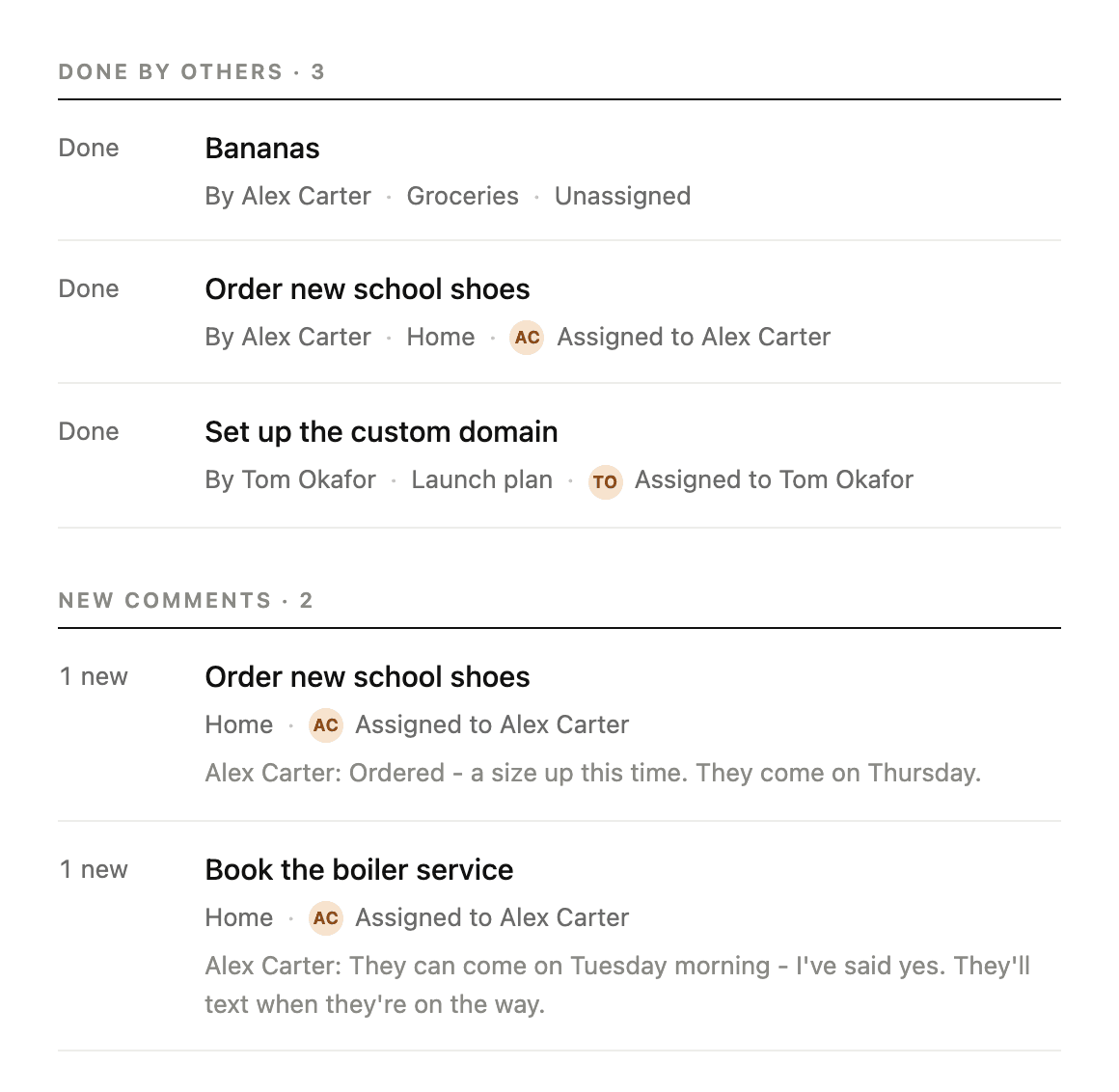
Comments, and who did what
- 01
- 02
- 03
- 04
- 05
- 06
5 October 2026
Forms, and read-only links
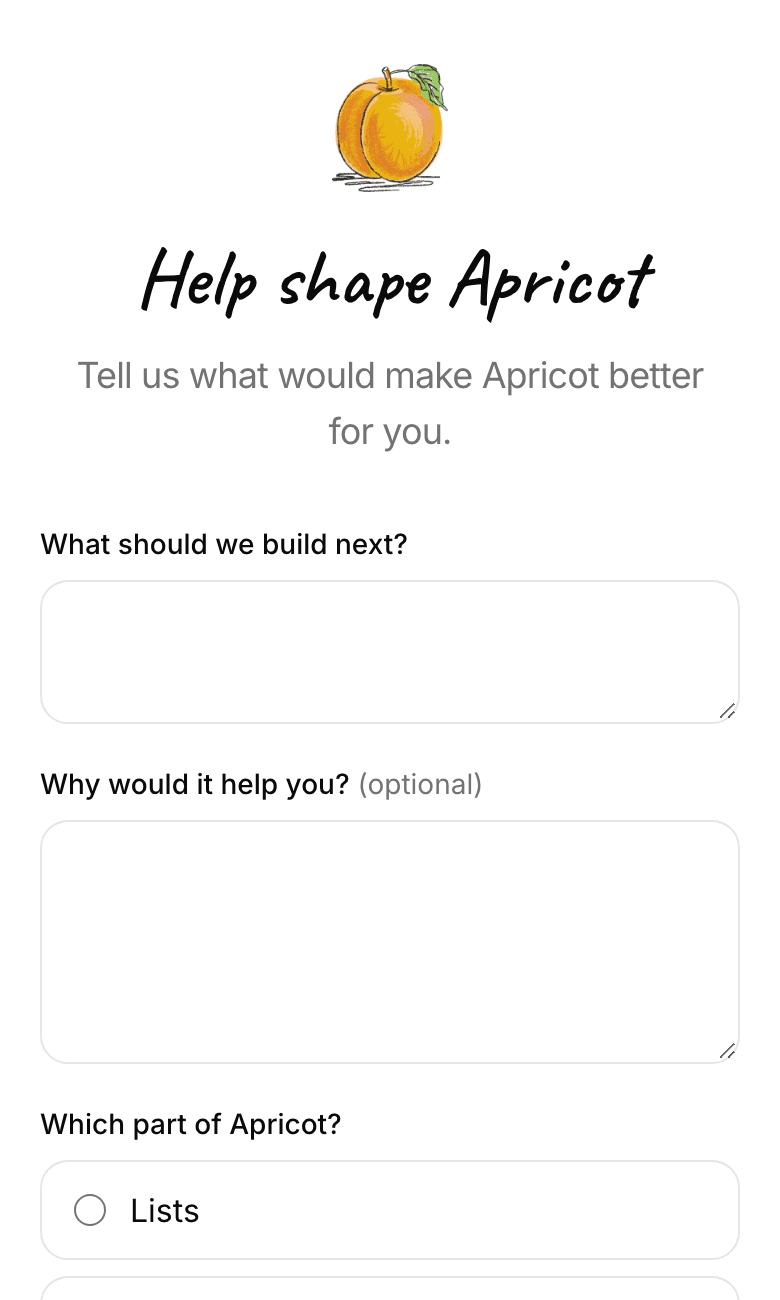
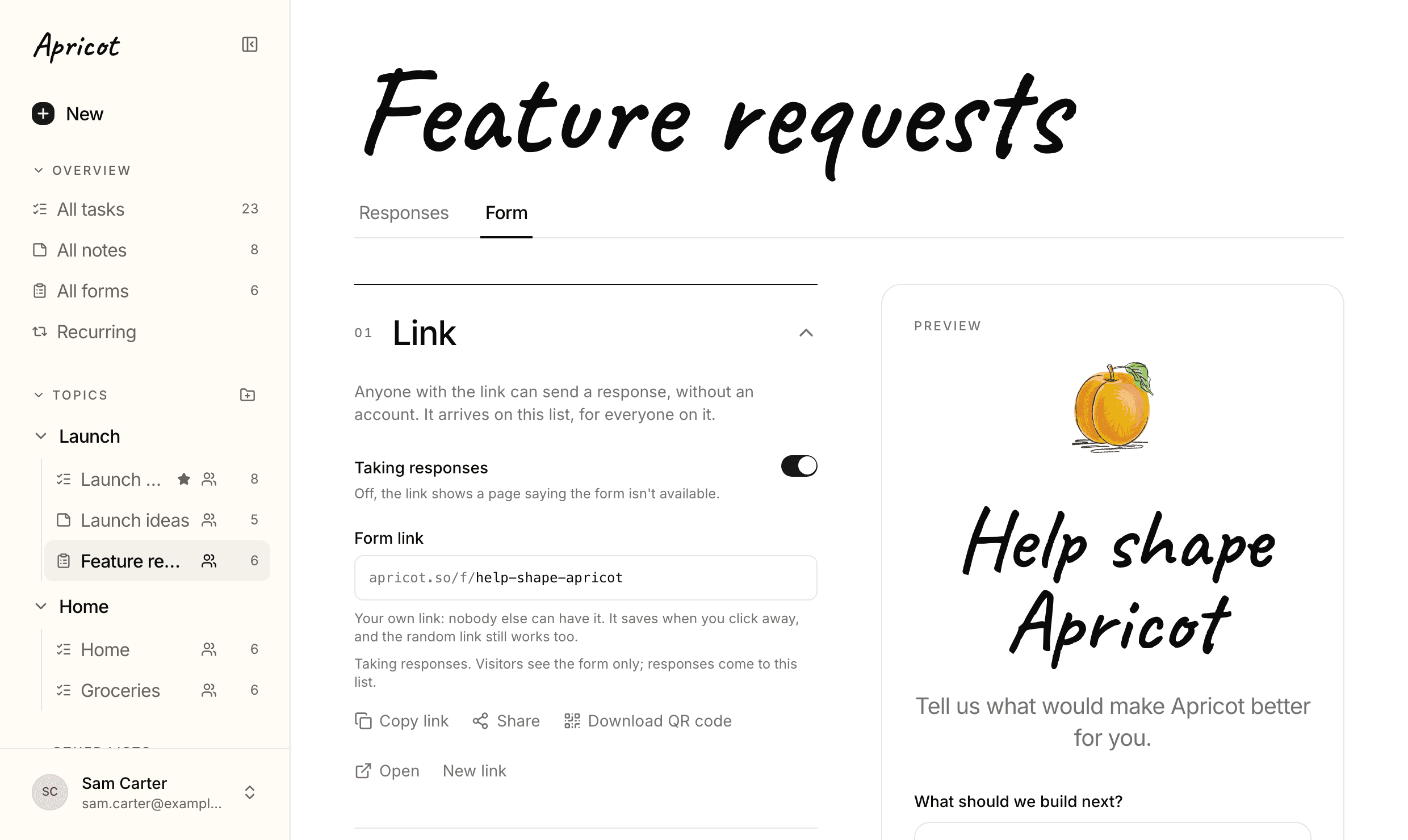
- Your logo on your form
- Your own link, and a QR code
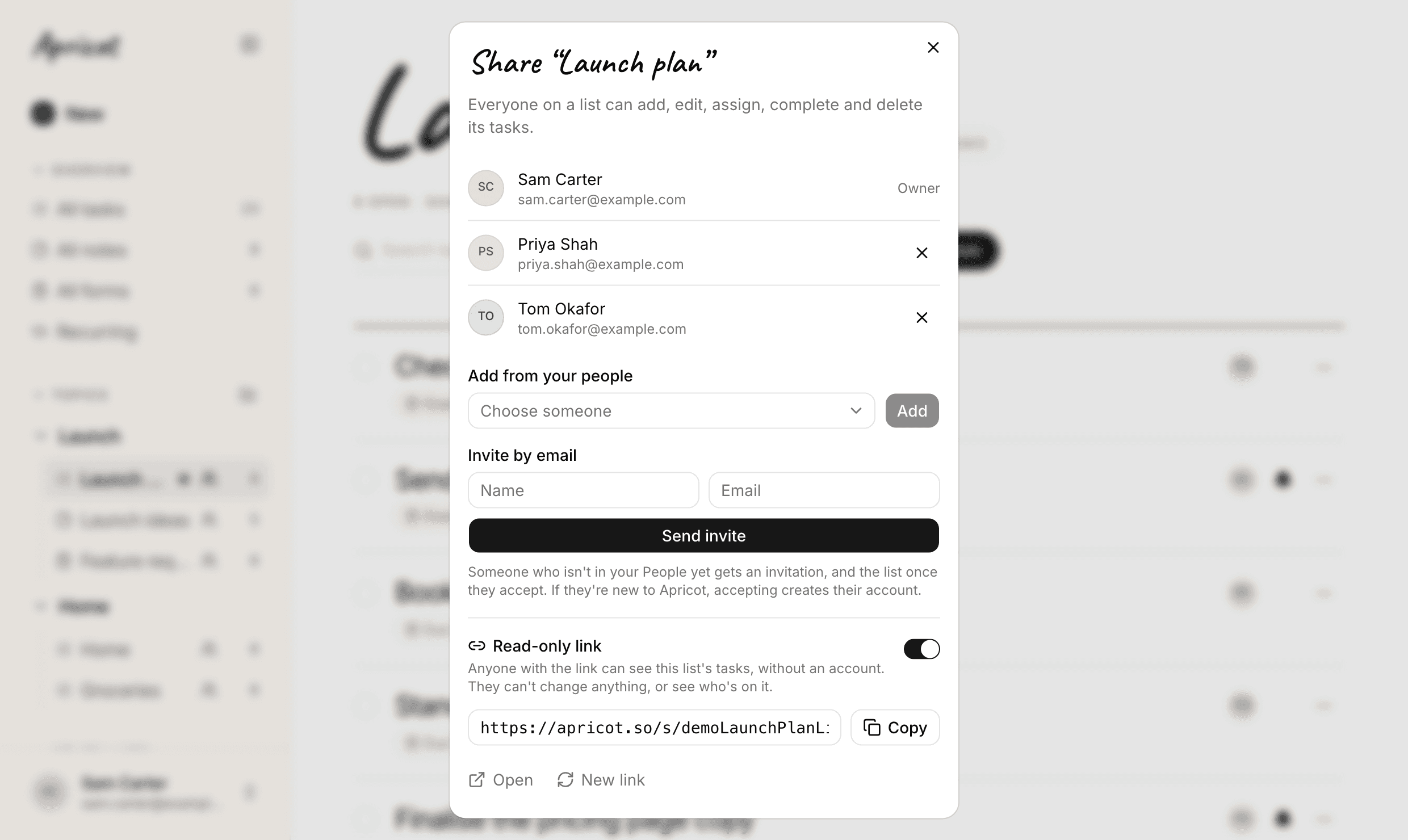
- Share a list with a link
- What they see
- Responses stay private
- Your assistant
- 01
- 02
- 03
- 04
- 05
- 06
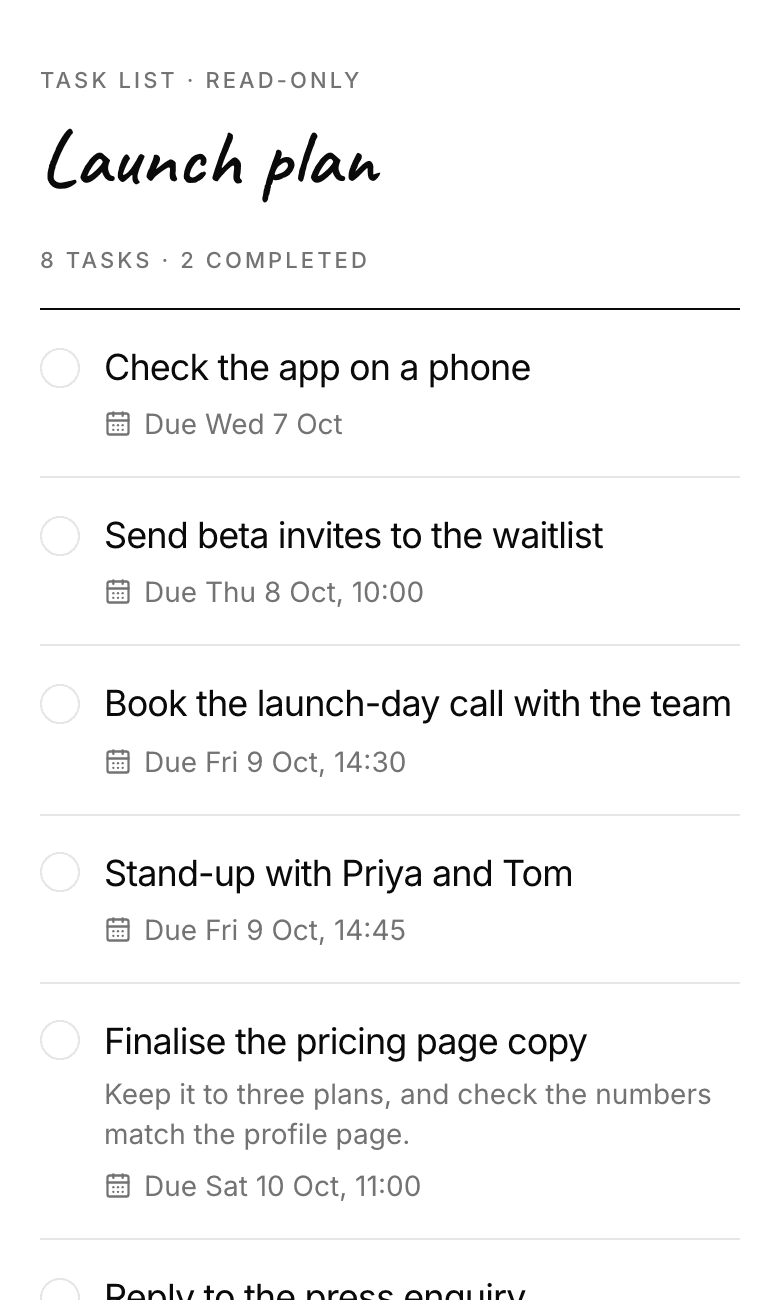
4 October 2026
Topics, and a tidier app
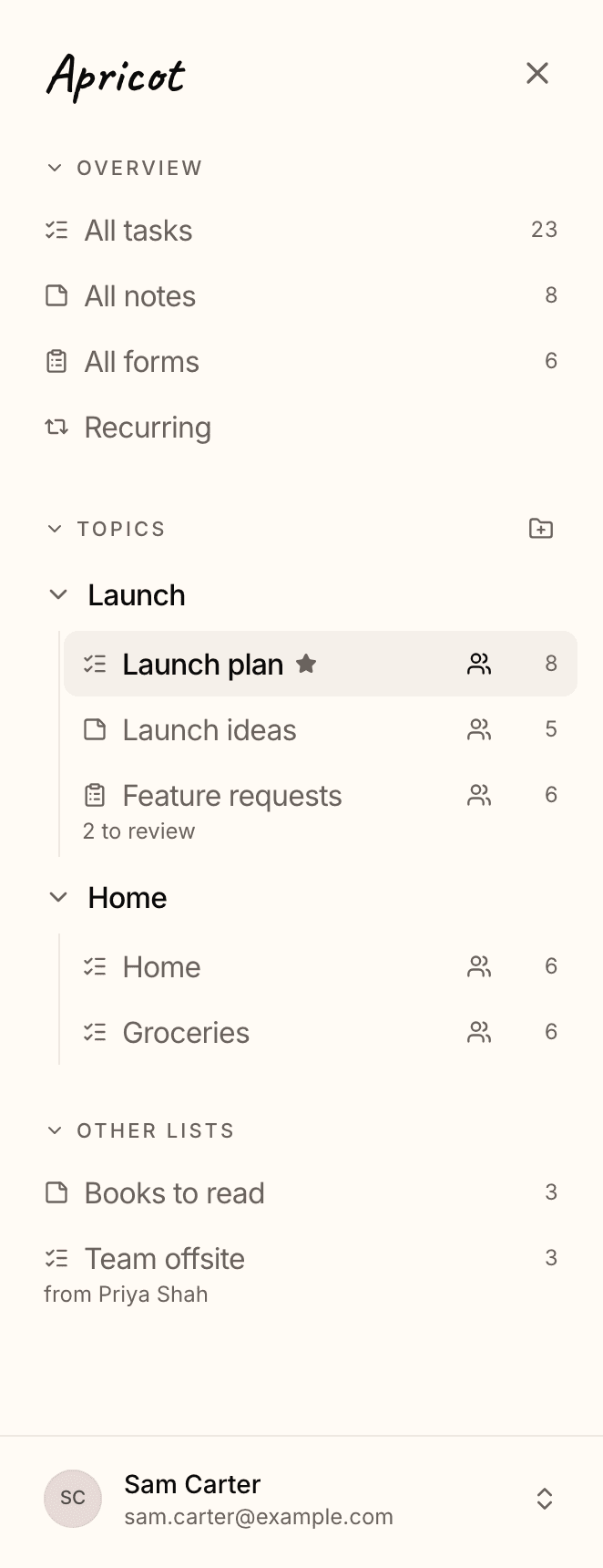
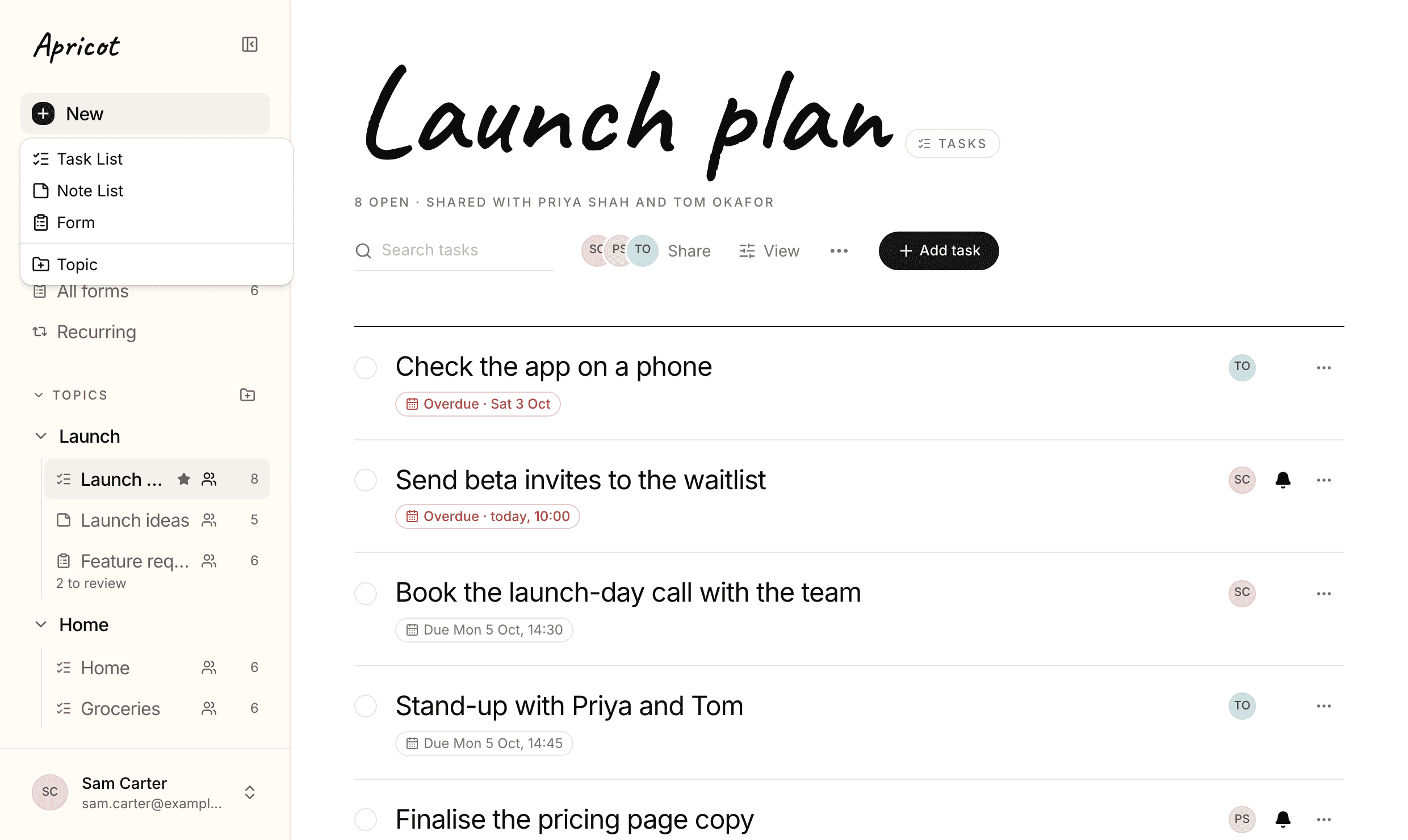
- Topics
- One New button
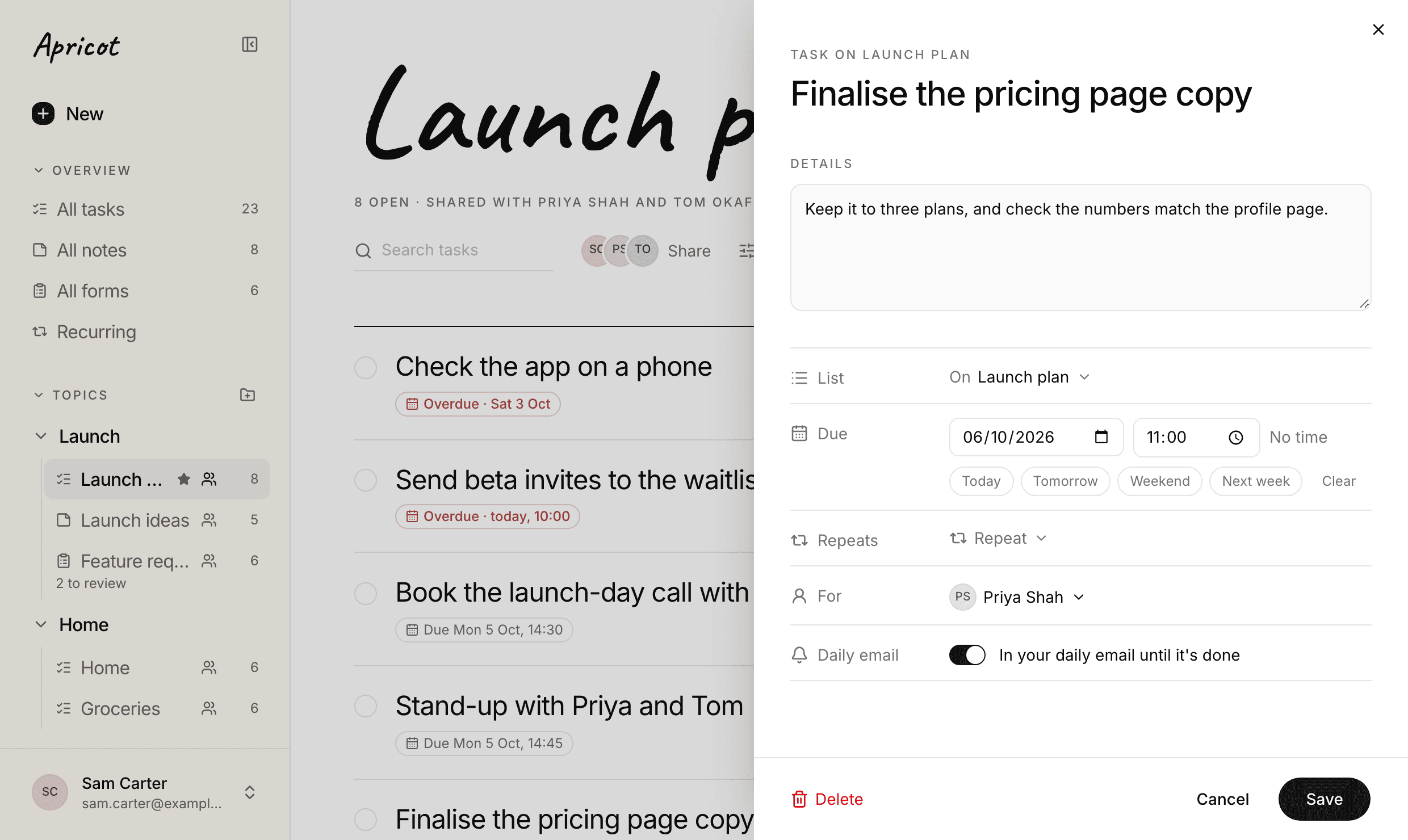
- Open a task to change it
- Notes aren't ticked off
- List order, with topics too
- Smaller things
- A feedback board
- Your assistant
- 01
- 02
- 03
- 04
- 05
- 06
- 07
- 08
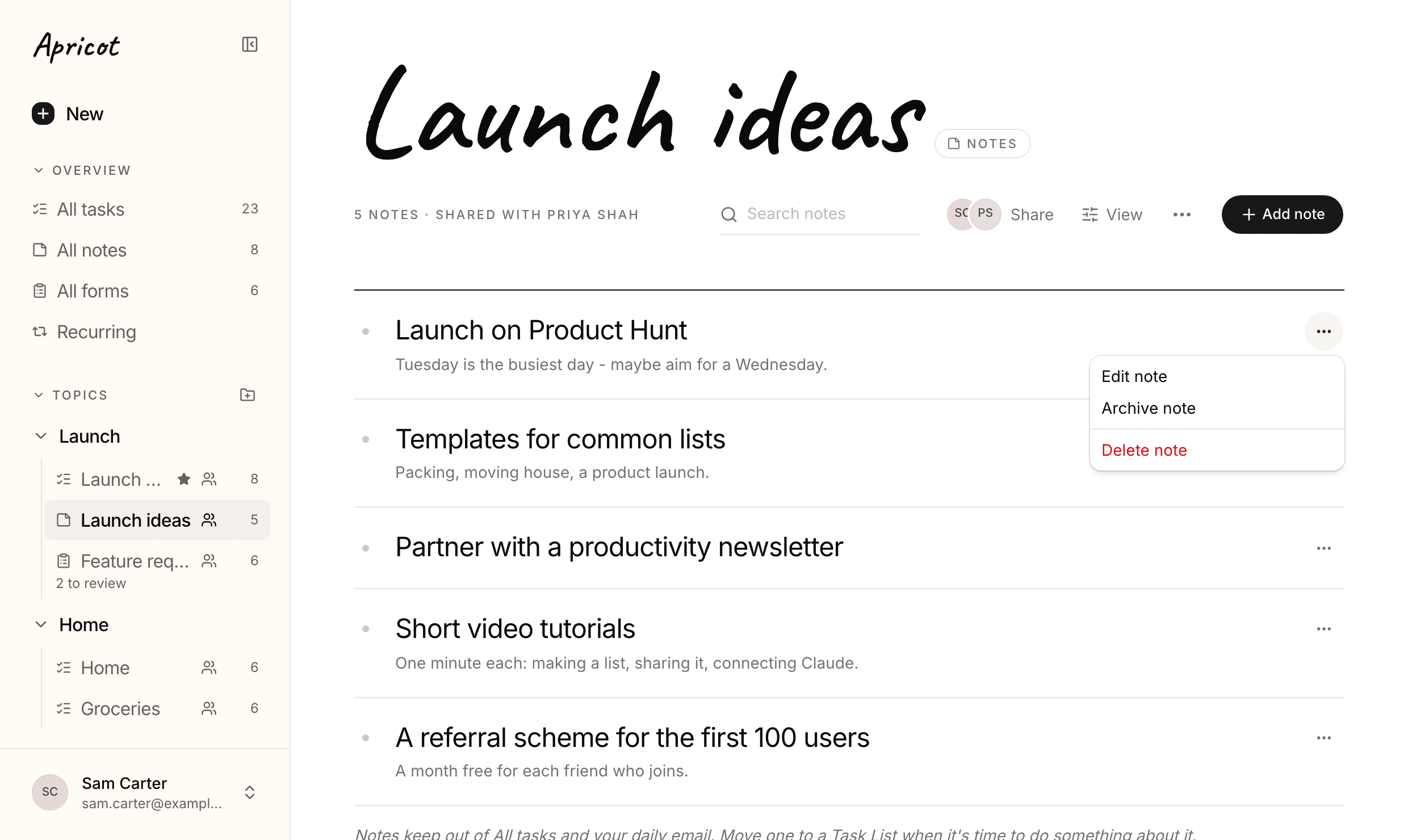
2 October 2026
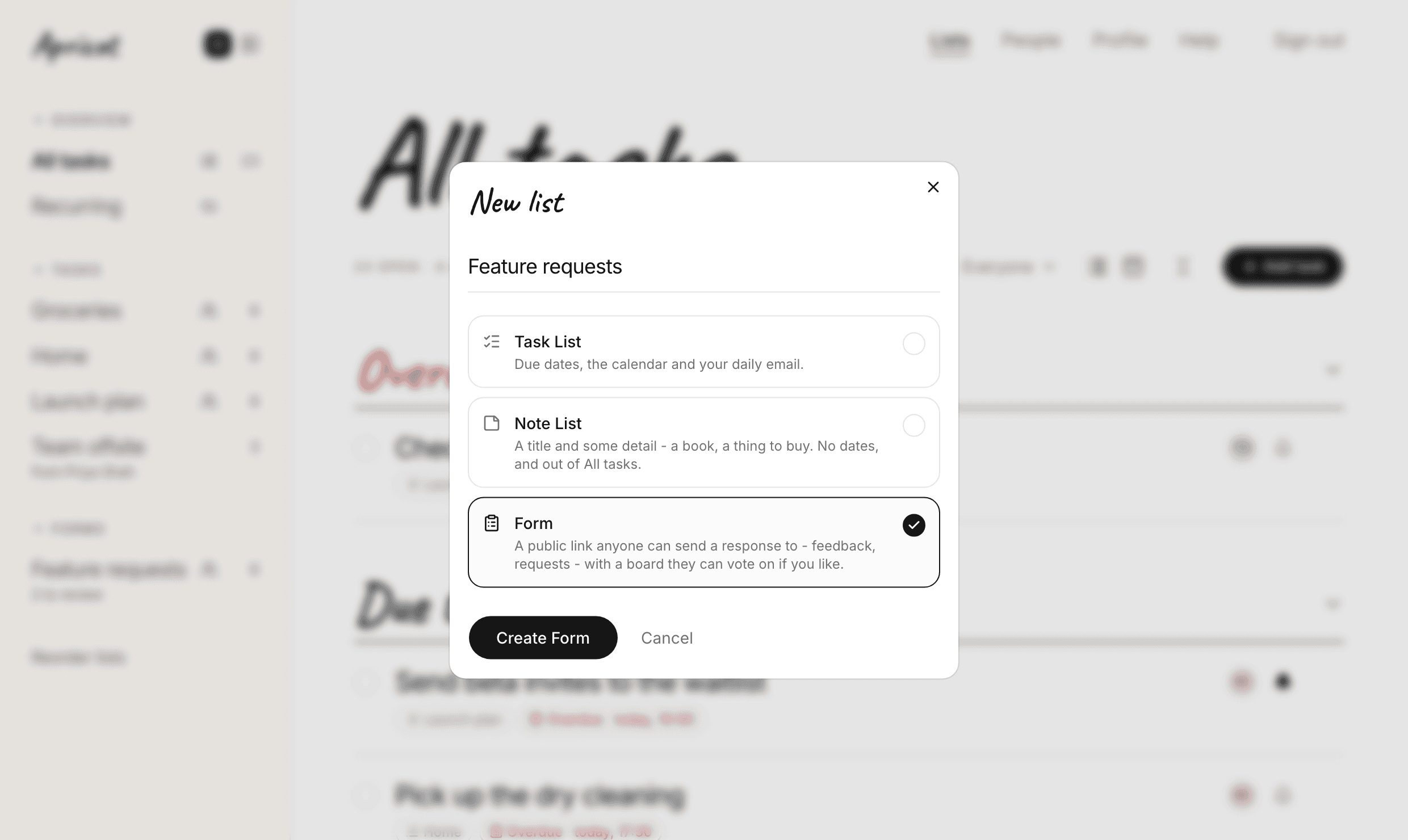
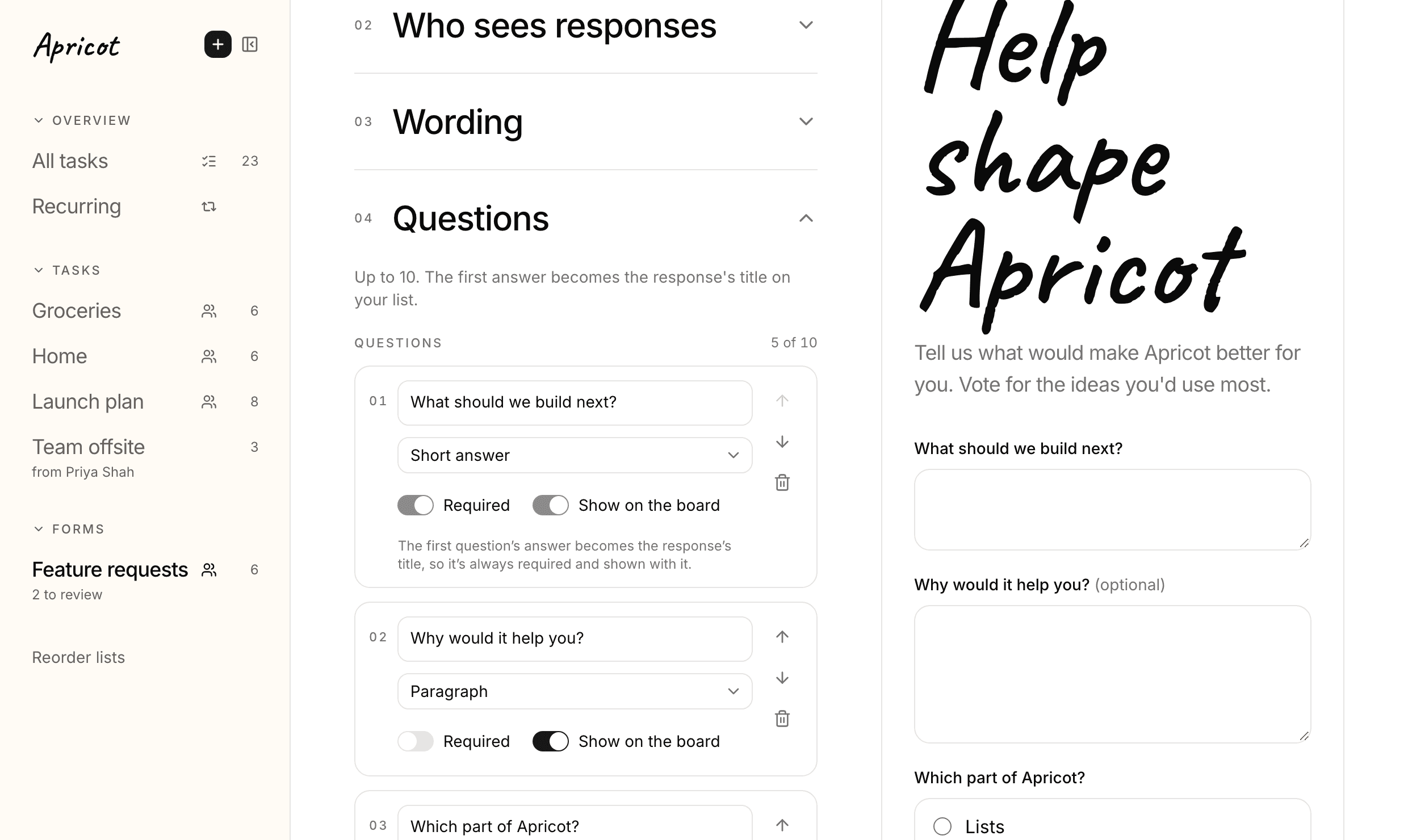
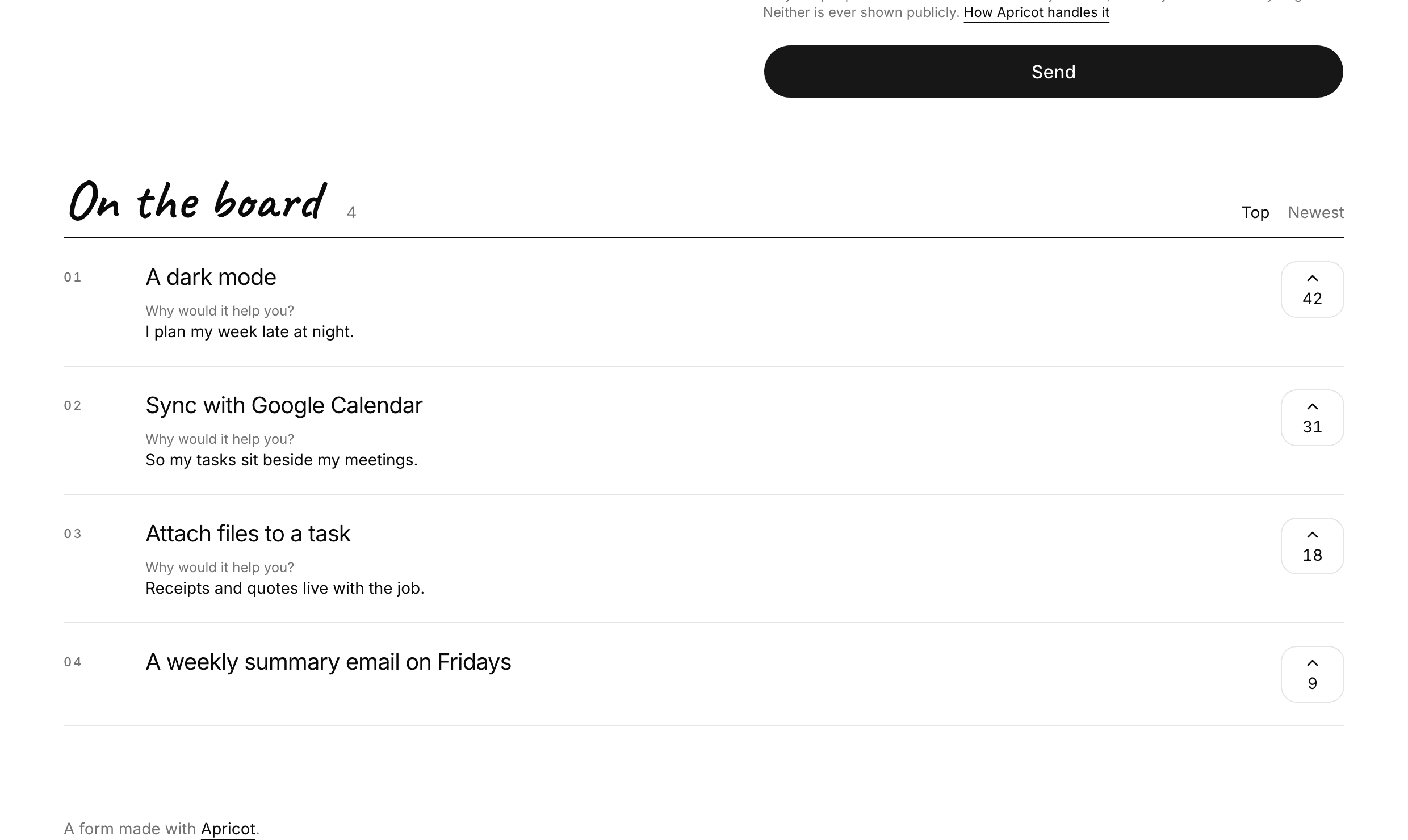
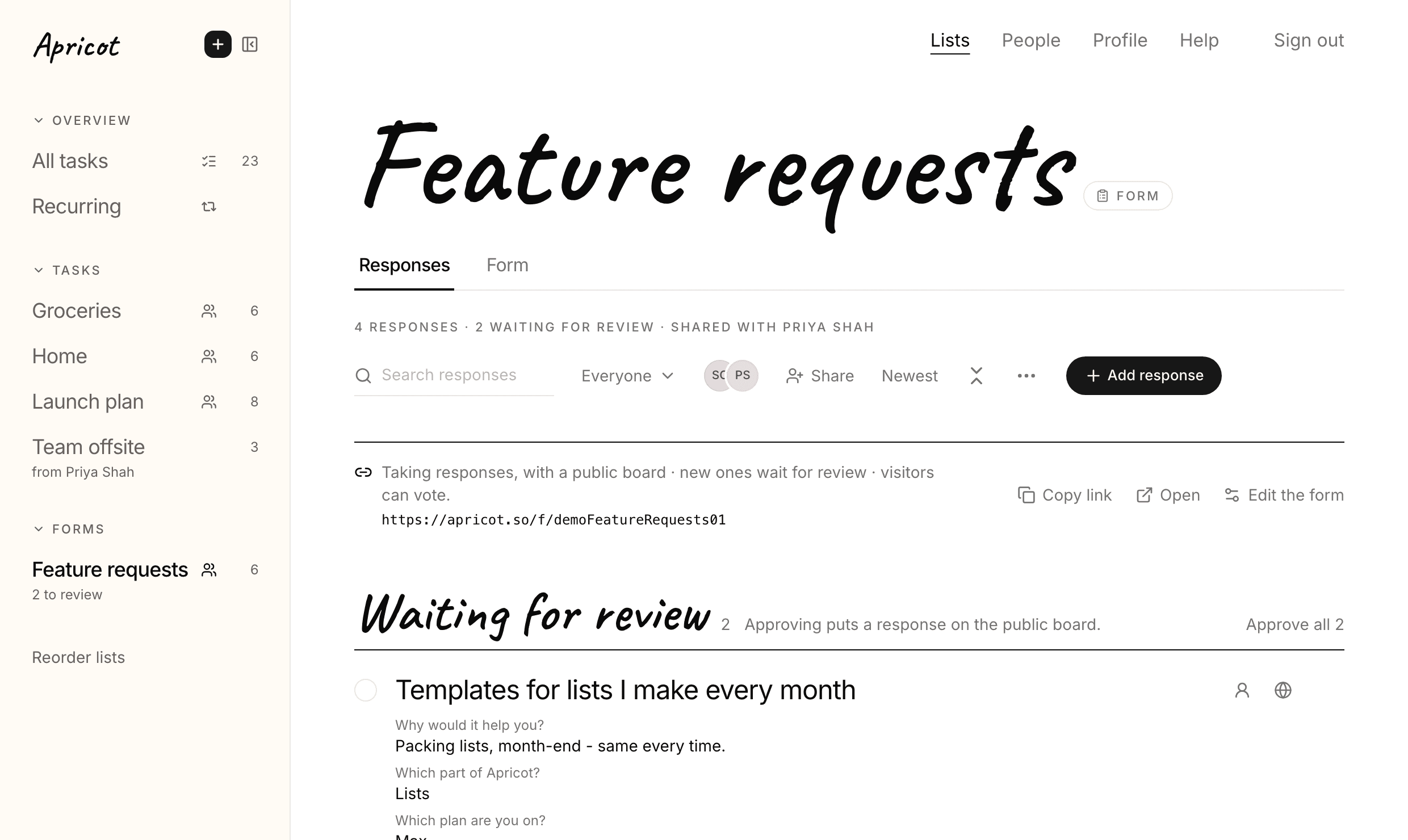
Forms: a link anyone can send to
A new kind of list: a Form. Anyone with the link can send you a response, no account needed.
Forms are in beta, so tell us what you think.
- 01
- 02
- 03
- 04
- 05
1 October 2026
Shared tasks, and somewhere to put old lists
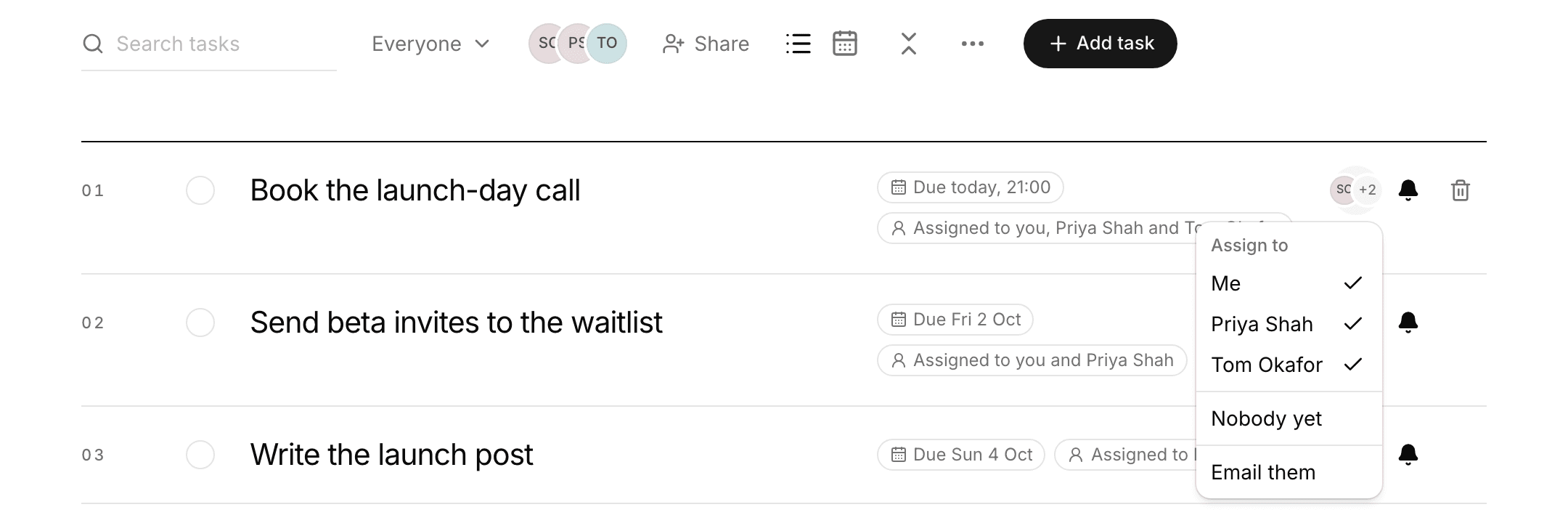
- More than one person on a task
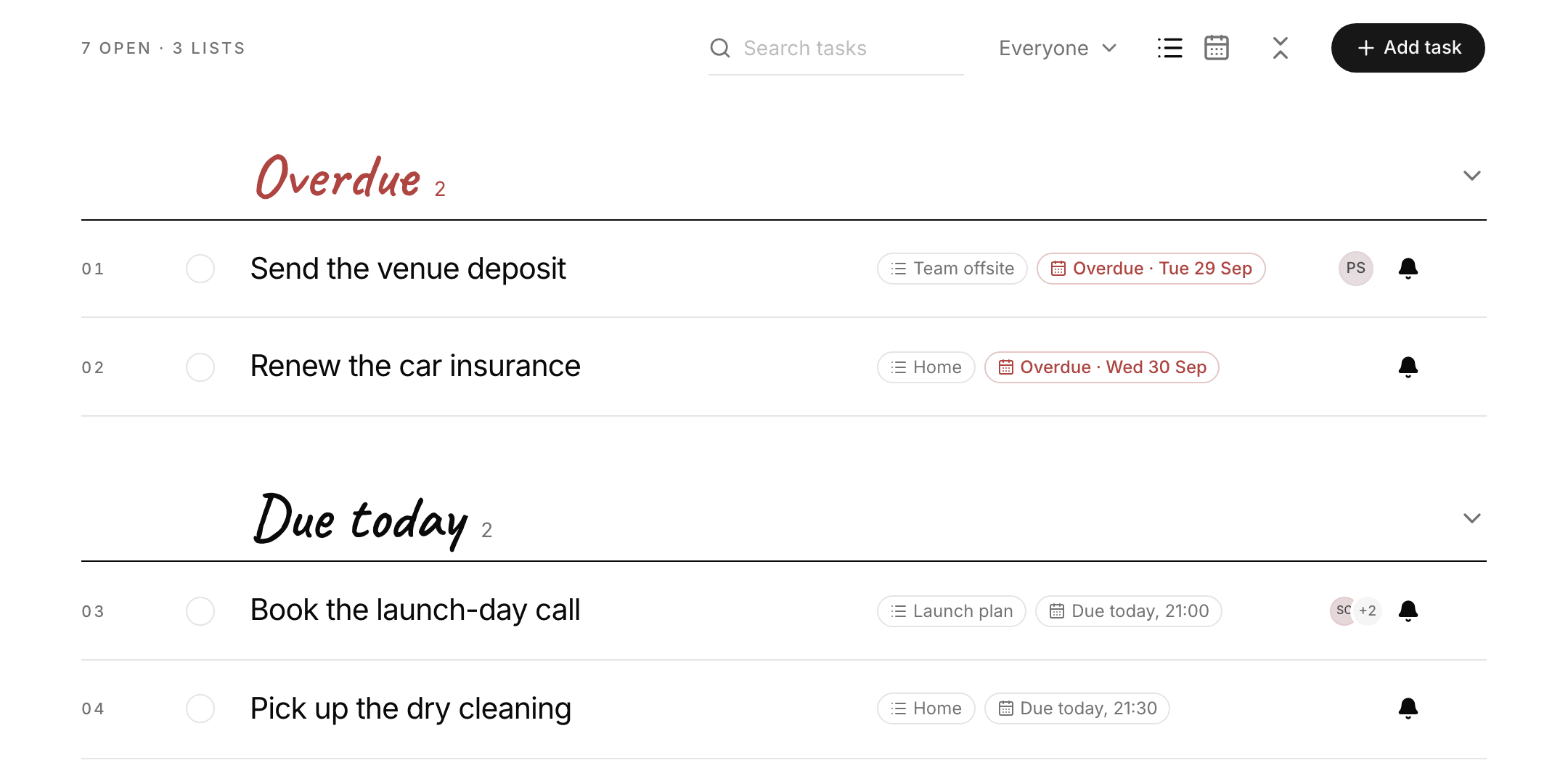
- All tasks, in order of when
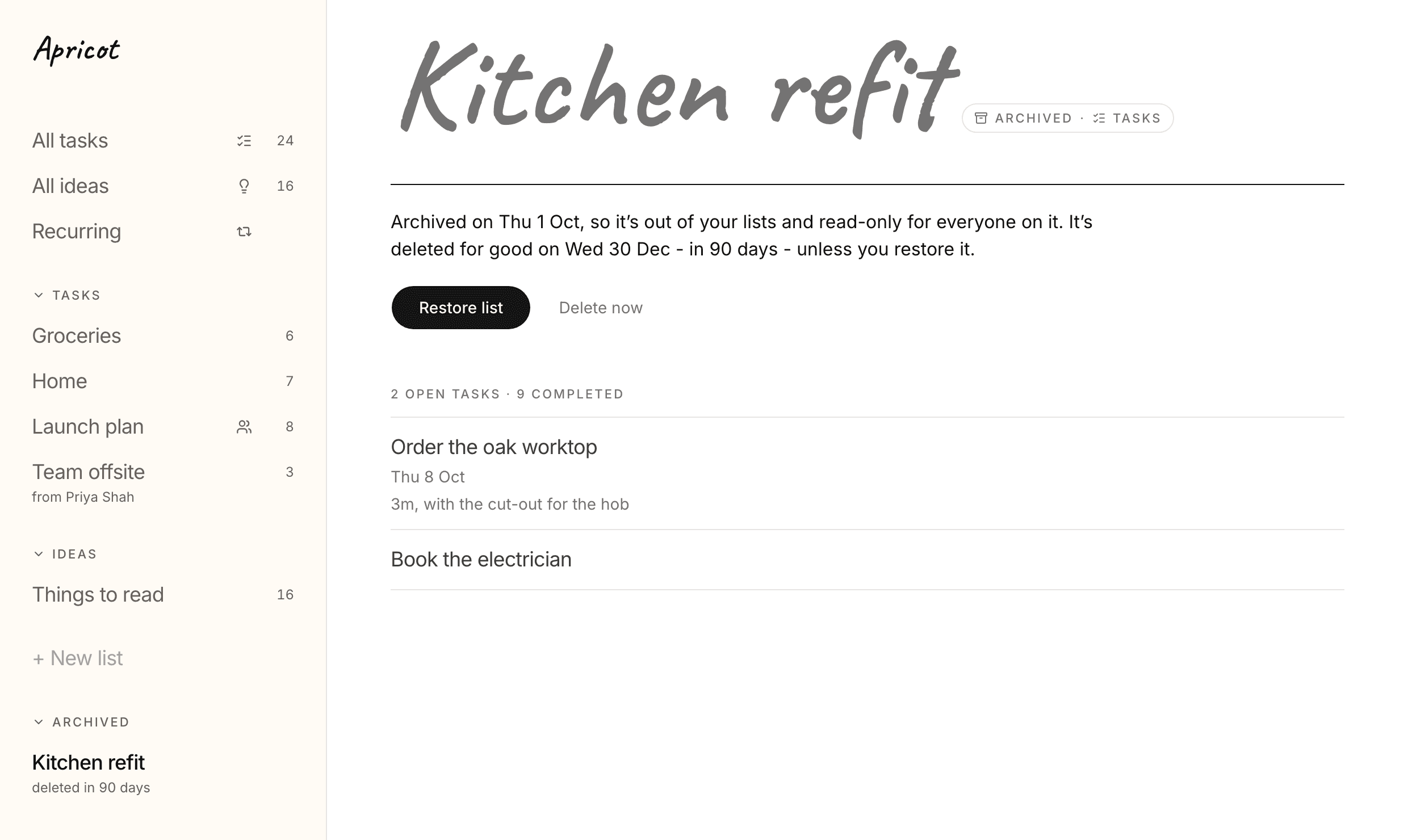
- Archive a list
- A simpler panel and page
- Idea Lists are now Note Lists
- A shorter profile
- Your assistant
- 01
- 02
- 03
- 04
- 05
- 06
- 07
20 September 2026
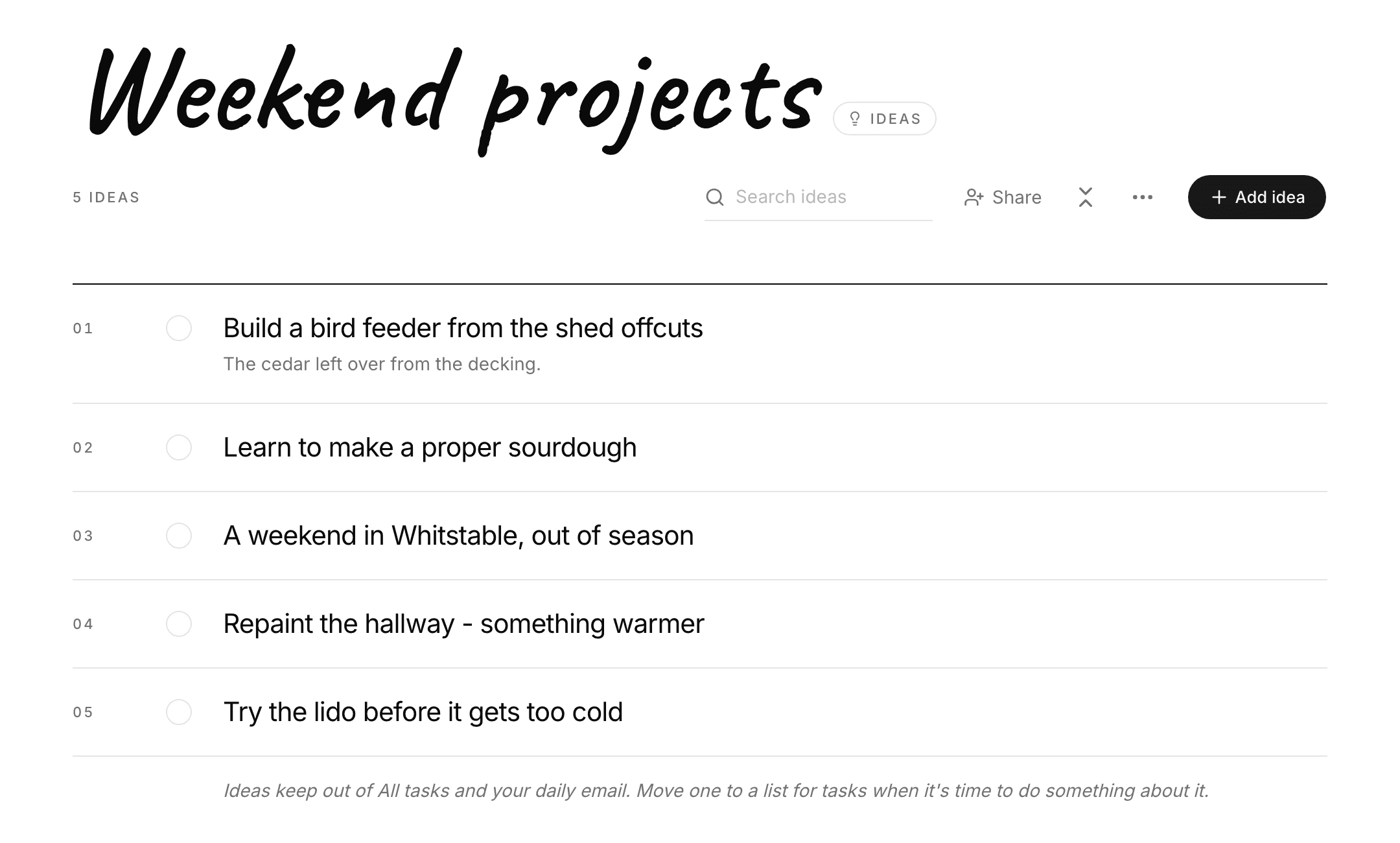
Lists for ideas
- A list can be for ideas
- Change your mind any time
- All tasks and All ideas
- Turn an idea into a task
- A tidier panel
- Completed tasks tidy themselves
- Your assistant
Not everything you write down is a task. Now a list can be for ideas, and ideas stay out of All tasks.
- 01
- 02
- 03
- 04
- 05
- 06
- 07
19 September 2026
Repeating tasks, All tasks and a new sidebar
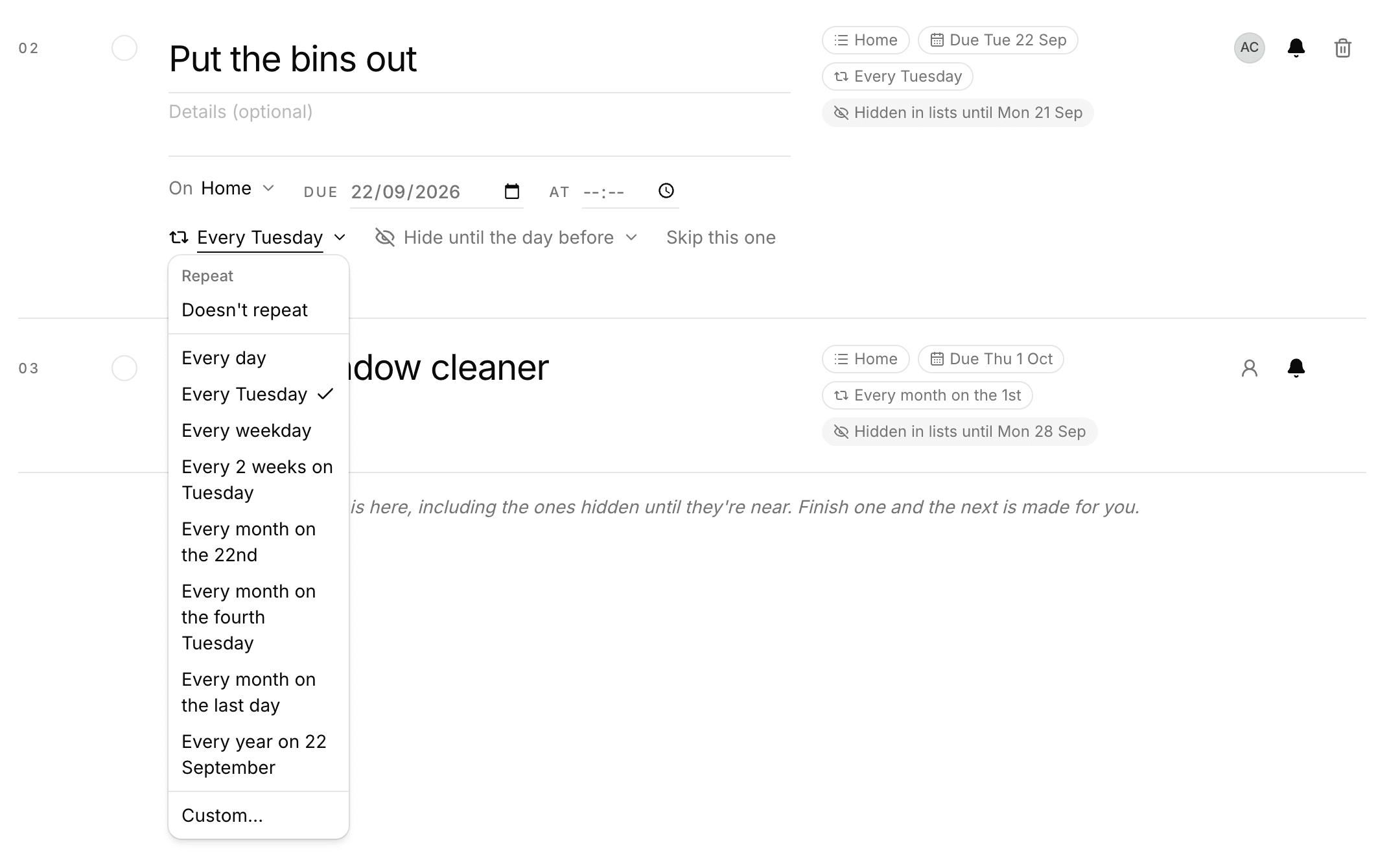
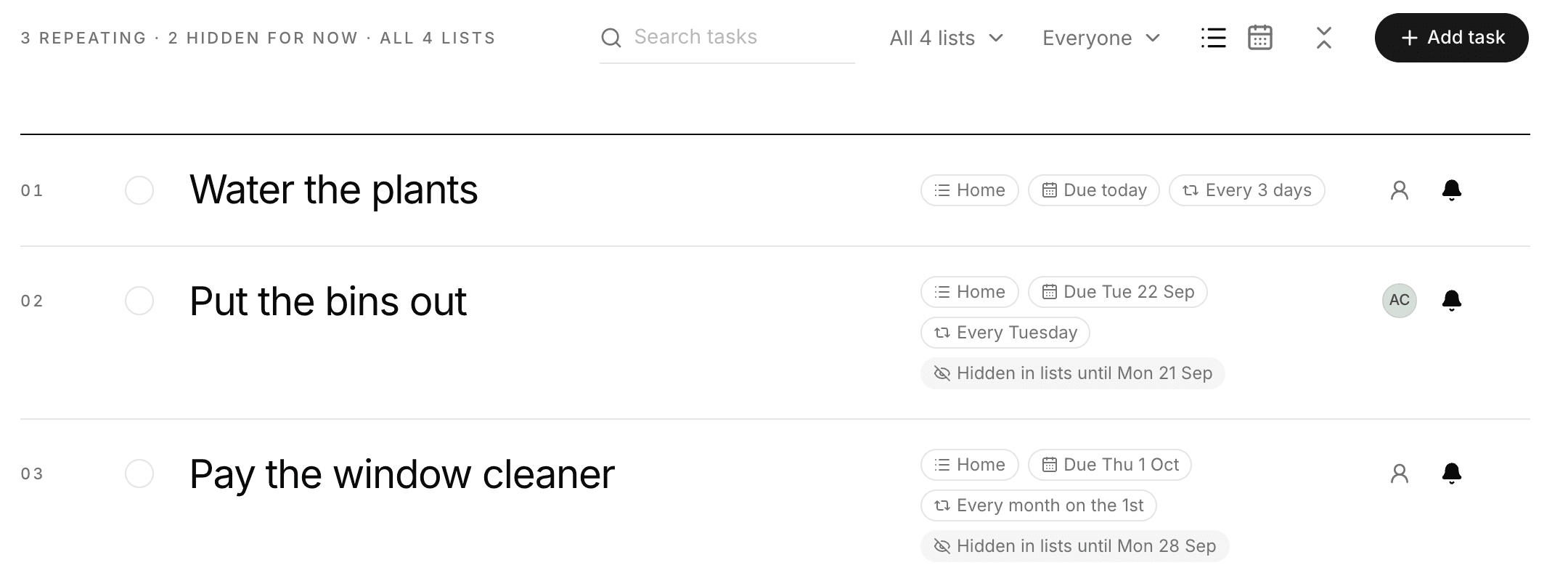
- Tasks that repeat
- Out of sight until it's near
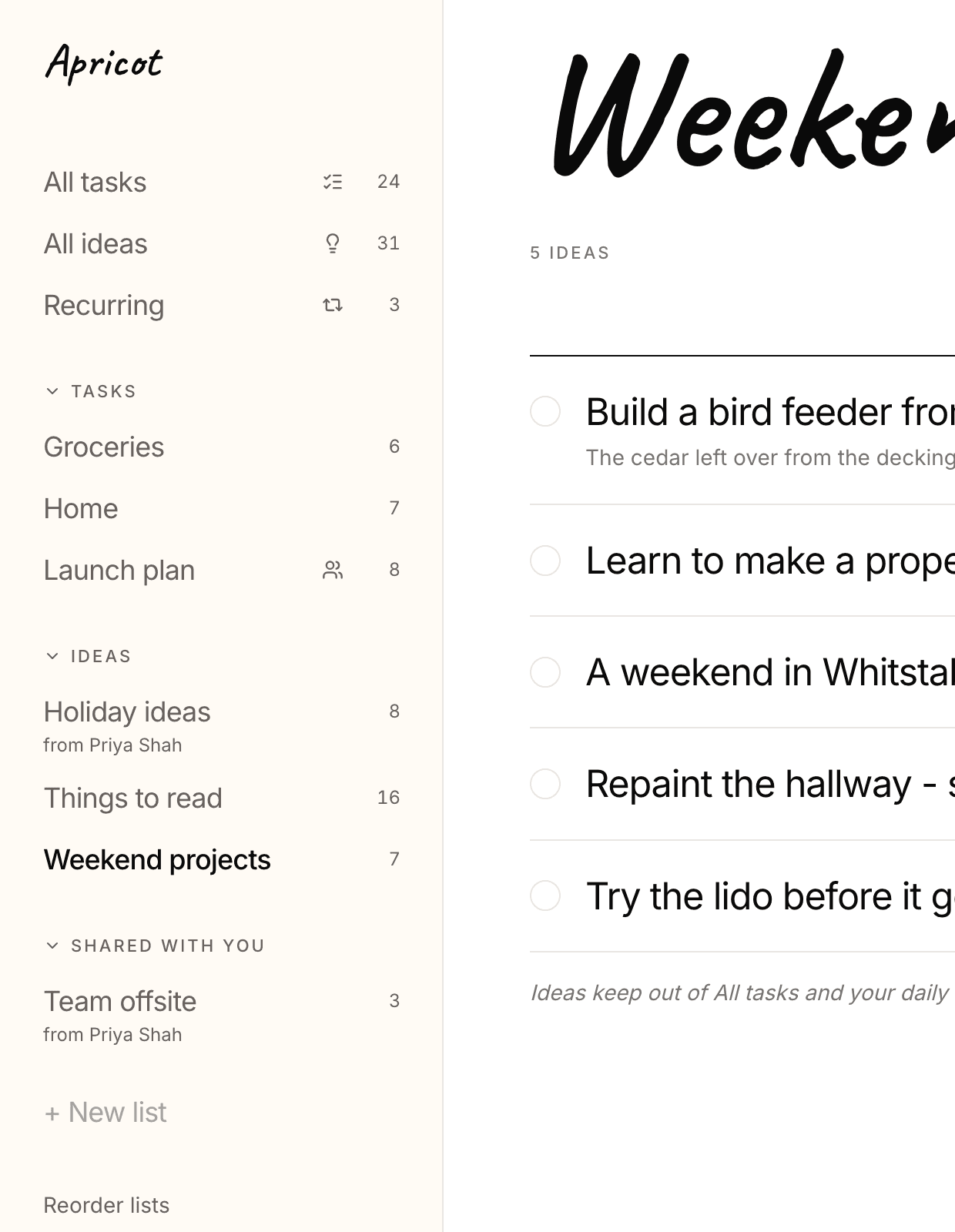
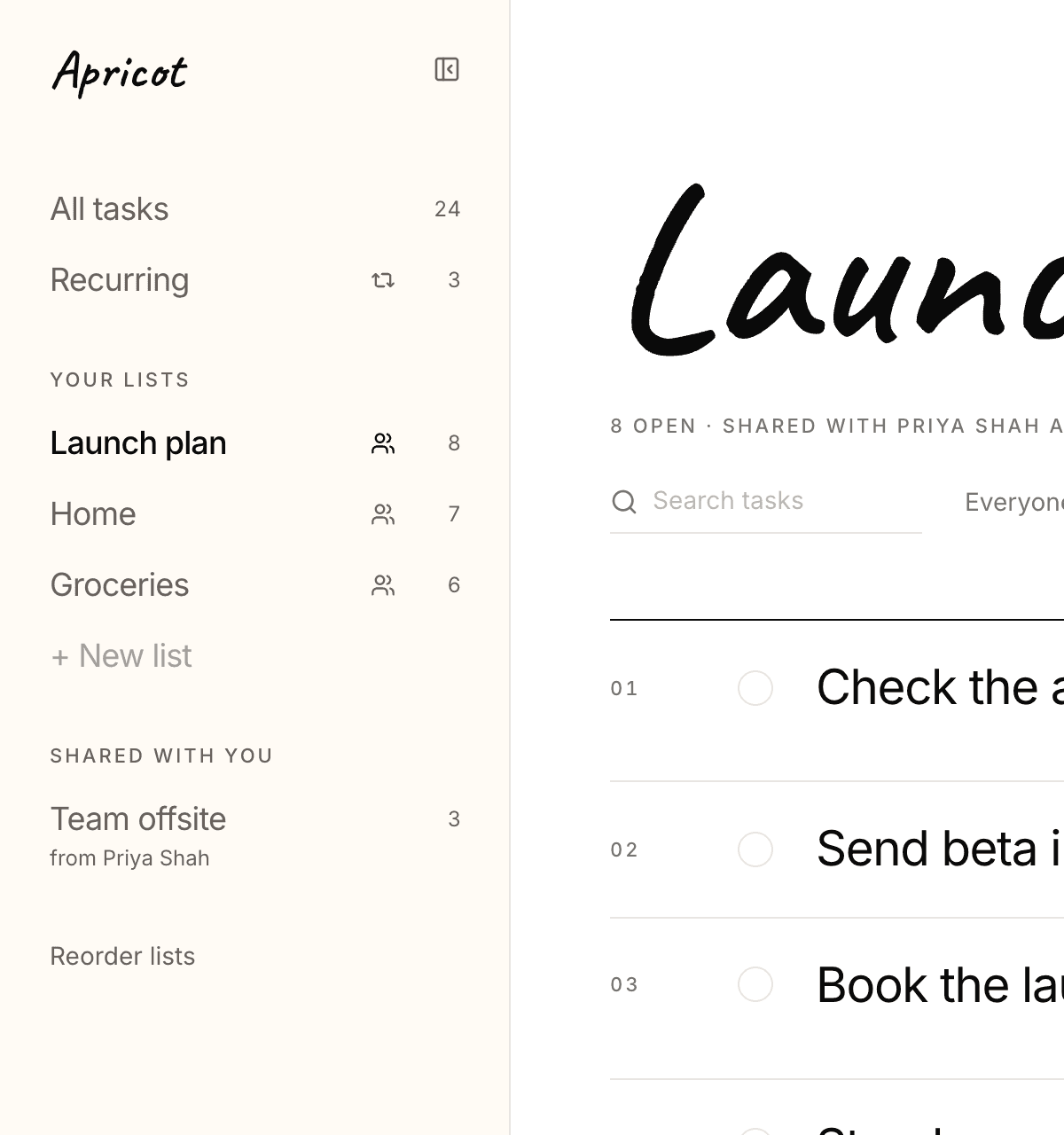
- Your lists in a sidebar
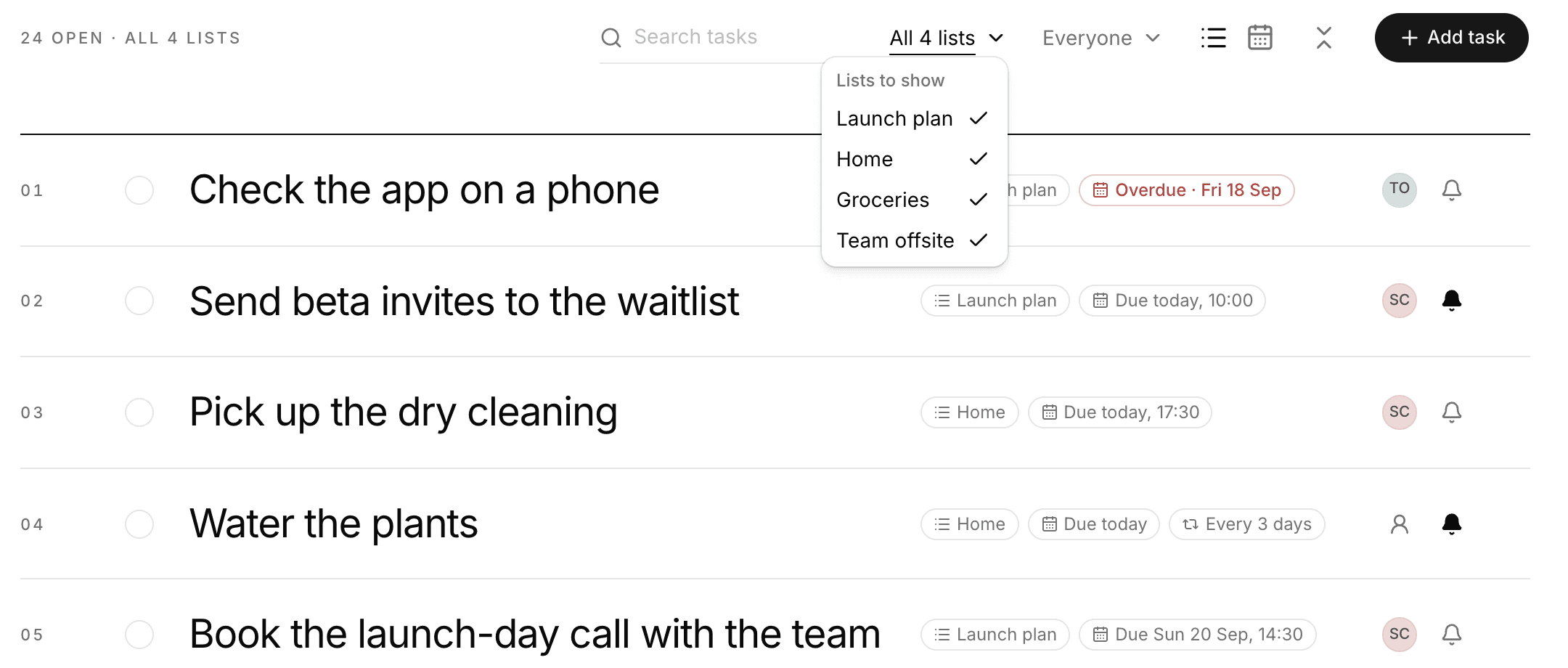
- All tasks
- Tell people what's theirs
- The bell starts on
- A tidier page
- Your assistant
- 01
- 02
- 03
- 04
- 05
- 06
- 07
- 08
18 September 2026
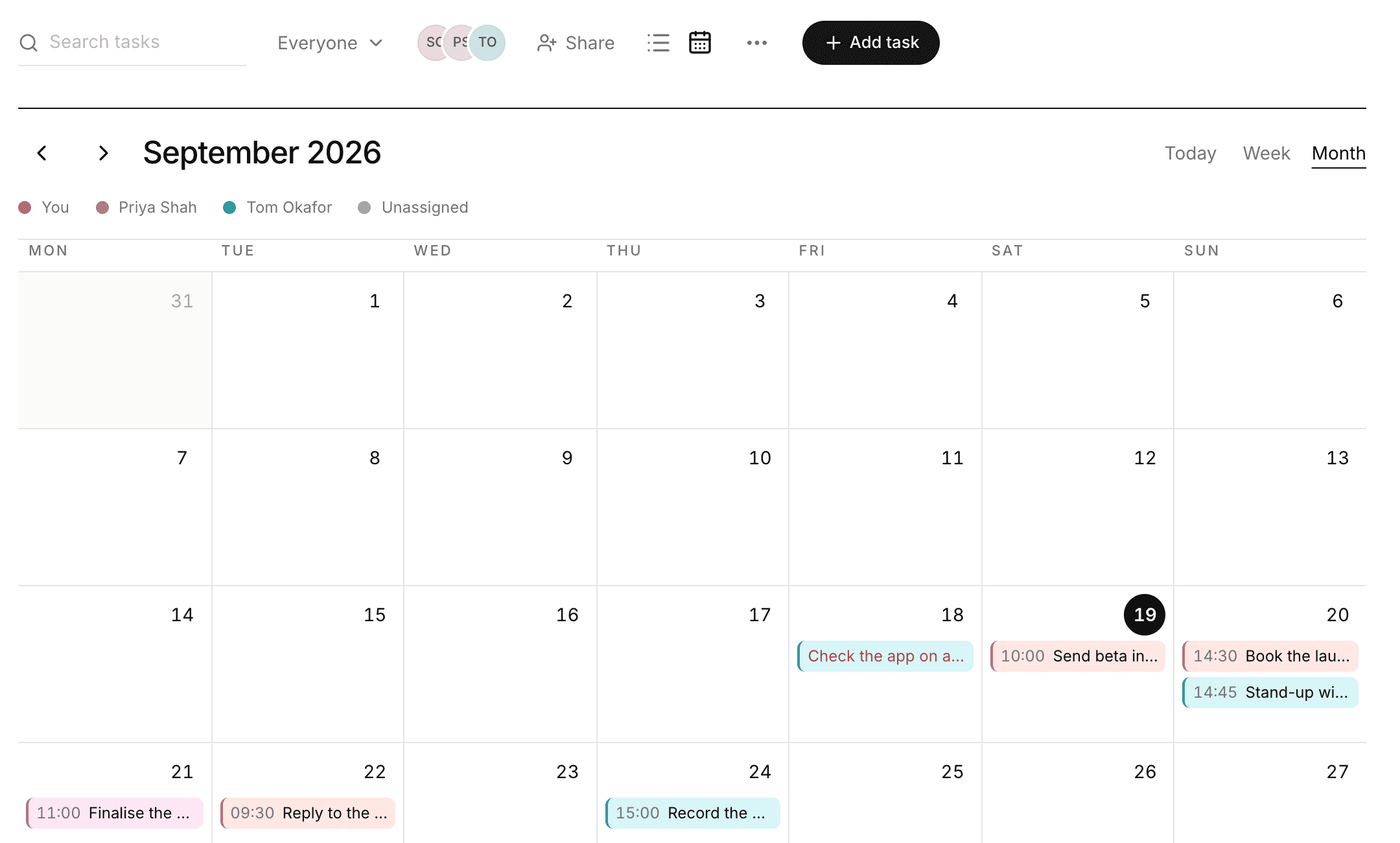
Due times, a shared calendar and Your day
- 01
- 02
- 03
- 04
- 05
17 September 2026
Apricot is in beta
- Use it from your AI assistant
- Lists and tasks, kept simple
- Share a list with your team or family
- Assign work to people
- Email reminders, on your schedule
- Archive instead of hoarding
- Your lists, in your order
- Free to start, assistant included
Today we're launching Apricot in beta. It keeps track of your tasks, lets you share lists with your team or family, and emails you reminders. You can do all of it from the AI assistant you already use, like Claude or ChatGPT, or in the web app.
We didn't want you to have to learn another app. You already talk to your assistant all day, so that's where adding a task belongs: “remind me to renew the insurance on Friday”, or “what's due this week?”. Apricot remembers, shares and reminds.
Most task apps do too much. We kept setting them up and then drifting away. Apricot keeps things simple, with very little to set up or learn.
We built it because we needed it. We wanted one place to see what we're working on and what's next, and nothing we tried was simple enough. We now run our own business on it.
A tool this simple could be copied easily. We're sharing it anyway, because we'd rather people got the use of it.
We'd love your feedback: what's missing, what's confusing and what you'd take out. Write to us at support@apricot.so.
I hope you enjoy Apricot.
- Richard
What you can do today
- 01
- 02
- 04
- 05
- 06
- 07
- 08